14
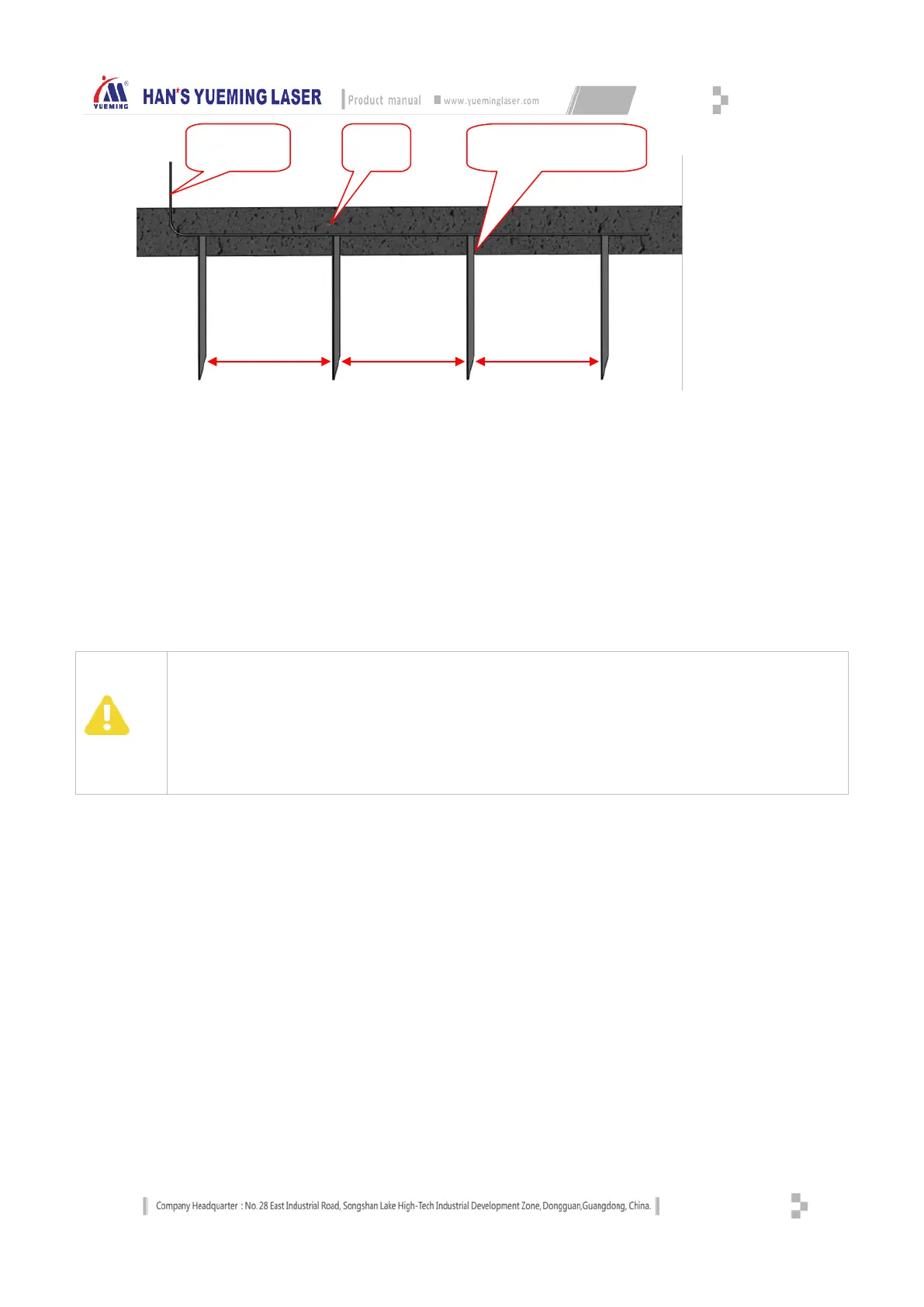
Equipment Grounding Diagram
3.1.11 Installing software and device drivers
The equipment is equipped with different control boards according to customer needs. The drivers for
the main board are provided on the CD. The drivers have been installed before the machine is shipped,
and reaches the requirements. For details of installation method, please refer to Main Board Control
System Operating Manual.
PC software uses SmartCarve version. On the software installation and use, please refer to "Han's
Yueming SmartCarve Software System Operating Manual".
Attention
The user shall take good care of the CD and software dongle. If lost, contact Han's Yueming to purchase.
Reinstalling software may lead to loss of system parameters. Please back up the parameters before reinstalling
the software or system.
The user should protect the safety of computer environment. Do not insert USB disk without permission, to
prevent virus. For common computer hardware and software failures, the user should have basic processing
capabilities.
The user shall not install other software on the computer or use the computer for other purposes, or else the
company is not responsible for the consequences.
3.1.12 Installing other accessories
Some models may come with other accessories (such as foot switch), which need to be installed by service
commissioner of Han's Yueming Laser. In addition, the user needs to install the scanner and printer
independently.
3.2 Instructions of machine button
3.2.1 Main power switch
Main power switch controls the master power supply of the equipment. It is located on the right side of the
front shield of the frame, as shown below:
ANGLE
GROUND


 To Next Page