16
3.2.3 Motion system power button
The button is on the front cover of the frame. When this button is pressed down, the button indicator lights,
and the motion system is powered on; when it is pressed again, the button pops up, the button indicator turns off,
and the motion system is powered off.
3.2.4 Laser system power button
The button is on the front cover of the frame. When this button is pressed down, the button indicator lights,
and the laser system is powered on; when it is pressed again, the button pops up, the button indicator turns off,
and the laser system is powered off.
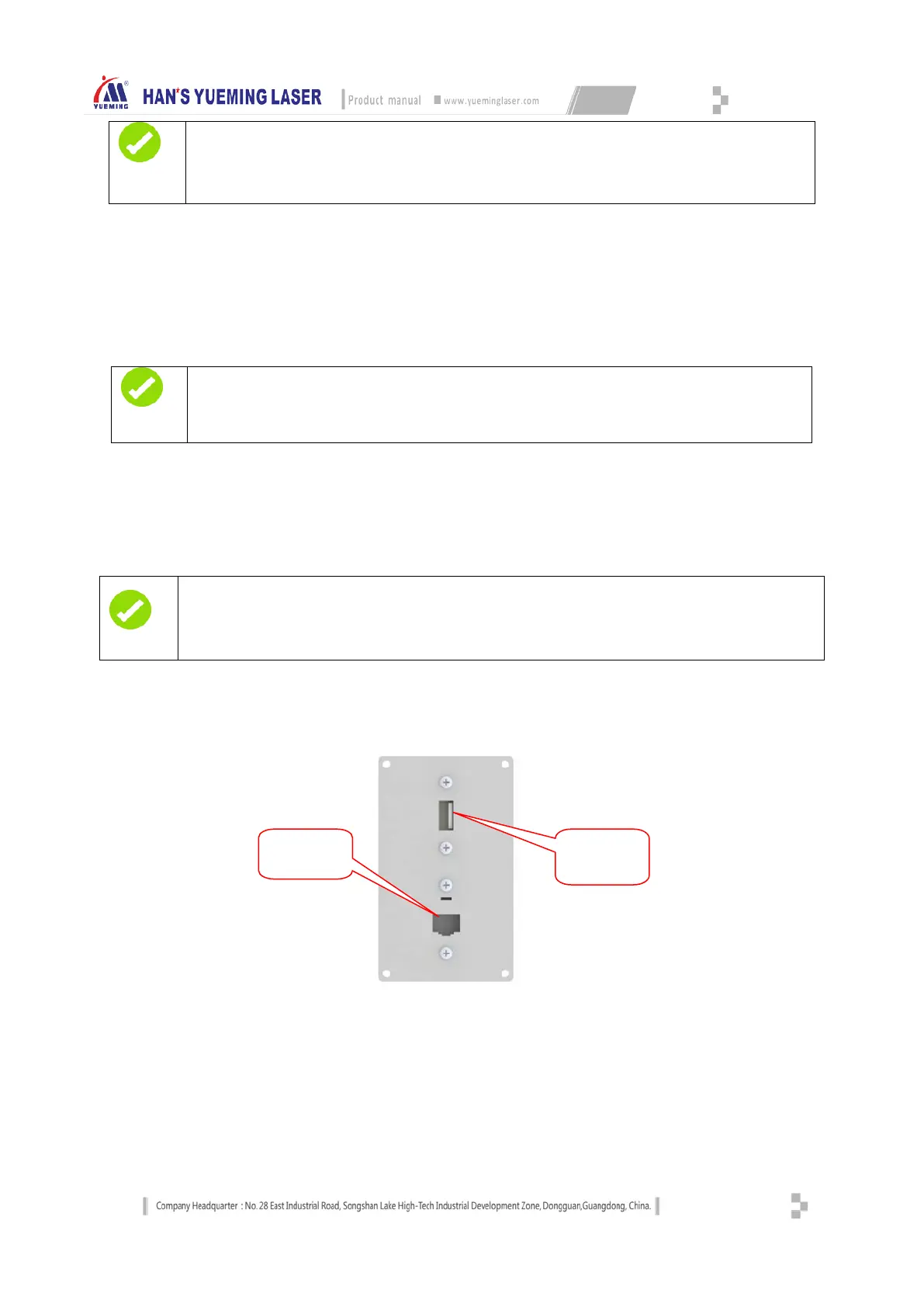
3.2.5 USB&LAN interface
USB&LAN interface
The USB interface and network interface are located on the front cover of the frame, and are connected to
the USB flash drive and network interface.
Note
After get rid of the emergency, reset the stop button by rotating clockwise to relieve
stop.
You should restart the software to restore the machine to work after relieve stop.
Note
If the power button of the motion system isn’t triggered, the motor and the drive have no power supply,
and the machine won’t respond to any motion command.
Prompt
If the power button of the motion system isn’t triggered, the laser and the switching power supply have no
power supply, and the laser system won’t respond to any laser command.
interface


 To Next Page