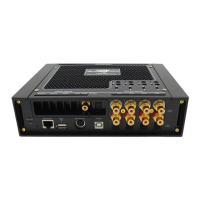
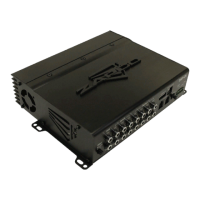
The HDSP-Z16 V Control Program
The HDSP graphic user interface (GUI) currently consists of a Main page and 5 function pages.
The function pages allow a user to set all the channels for a particular function at the same time. The
Main page then is an at-a-glance review of the settings and allows fine tuning adjustments that may
be needed during the equalization stage.
1. Speaker Channel Assignments:
This section shows the function of each output channel and is
where you will choose a channel for fine tuning. The information here is transferred in from the I/O
page where the assignments are made.
2. Crossover Section
: This shows the crossover choices of each output channel. As you assign functions
on the I/O page, default crossovers will be assigned to protect speakers. In the Crossover section you
can modify the crossovers to match the needs of your particular speakers.
1
2 3 4 5
6
17


 To Next Page
 Loading...