Page – 22/75 AFMNA0AA – EPS-BLI HYG – User Manual
9 PROGRAMMING & ADJUSTMENTS
9.1 Zapi hand set
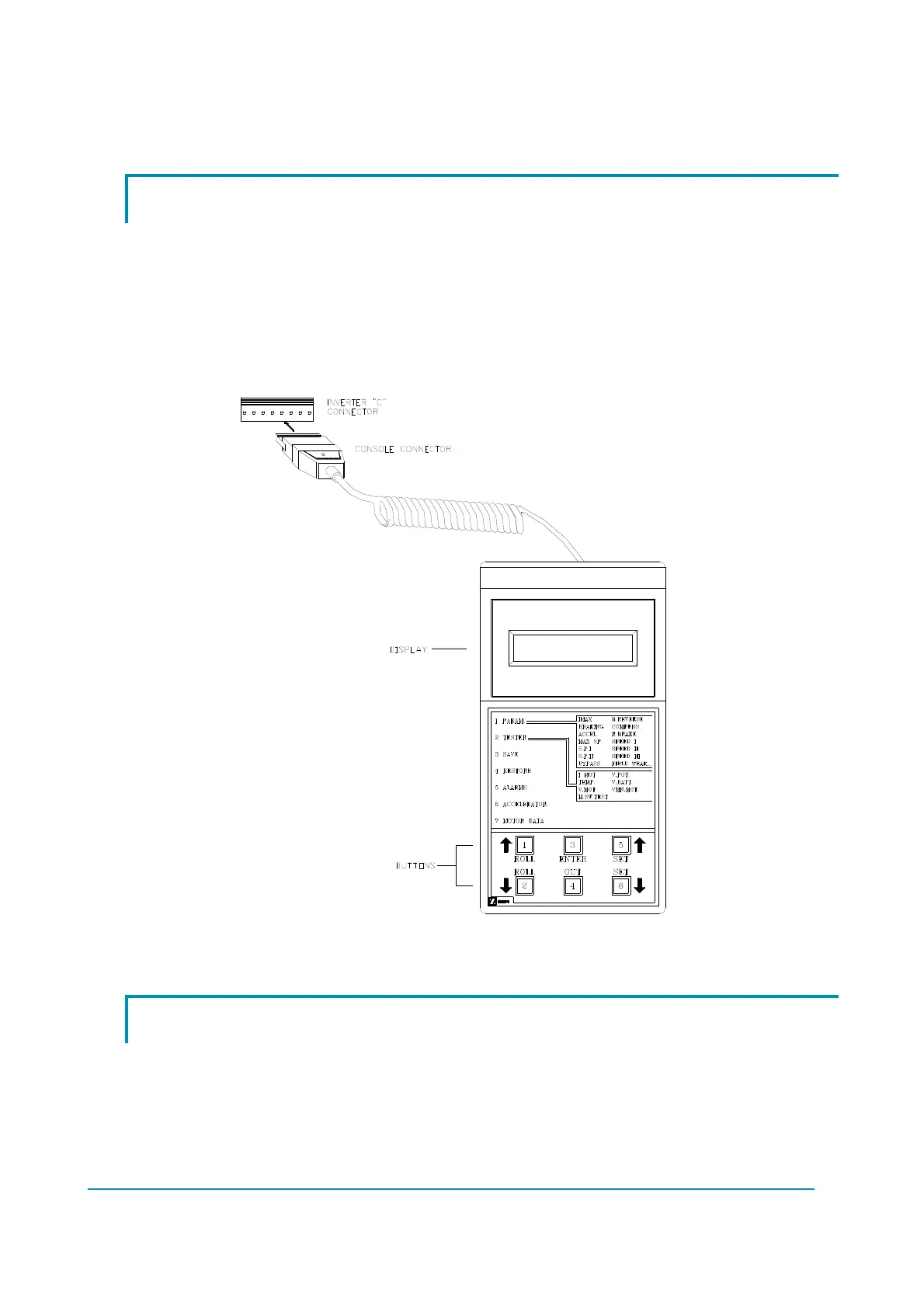
Adjustment of parameters and changes to the inverter configuration can be done by
using either the Zapi PC CAN Console (by a PC connected to a CAN bus dongle) or the
digital console (Zapi hand set, figure 13.1-1). The Zapi hand set can be connected to a
remote Zapi unit in the truck (traction, pump, VMC, etc.) communicating via CAN bus
with the E-steering motor controller. E-steering motor controller supports also the
function to adjust and configure the steering system on a VMC demand via CAN bus and
its proper object dictionary (defined with the lift truck manufacturer).
Figure 9.1-1.
9.2 Description of the parameter lists
The section describes the Zapi hand set functions. Numbers inside the triangles in
Figure 13.2-1 correspond to the same numbers on the hand set keyboard buttons shown
in Figure 13.1-1. The orientation of the triangles indicates the way to the next function.
CAN PC Console shares the same menus of the Zapi hand set.



 To Next Page