Page – 38/75 AFMNA0AA – EPS-BLI HYG – User Manual
9.2.5 HARDWARE SETTINGS list
To enter this Zapi hidden menu a special procedure is required. Ask this procedure
directly to a Zapi technician.
U Parameters in the HARDWARE SETTINGS list from 1 (ID RMS MAX) through 22
(AUX SPEED #1) are safety relevant and only well trained technicians are
allowed to change the default settings.
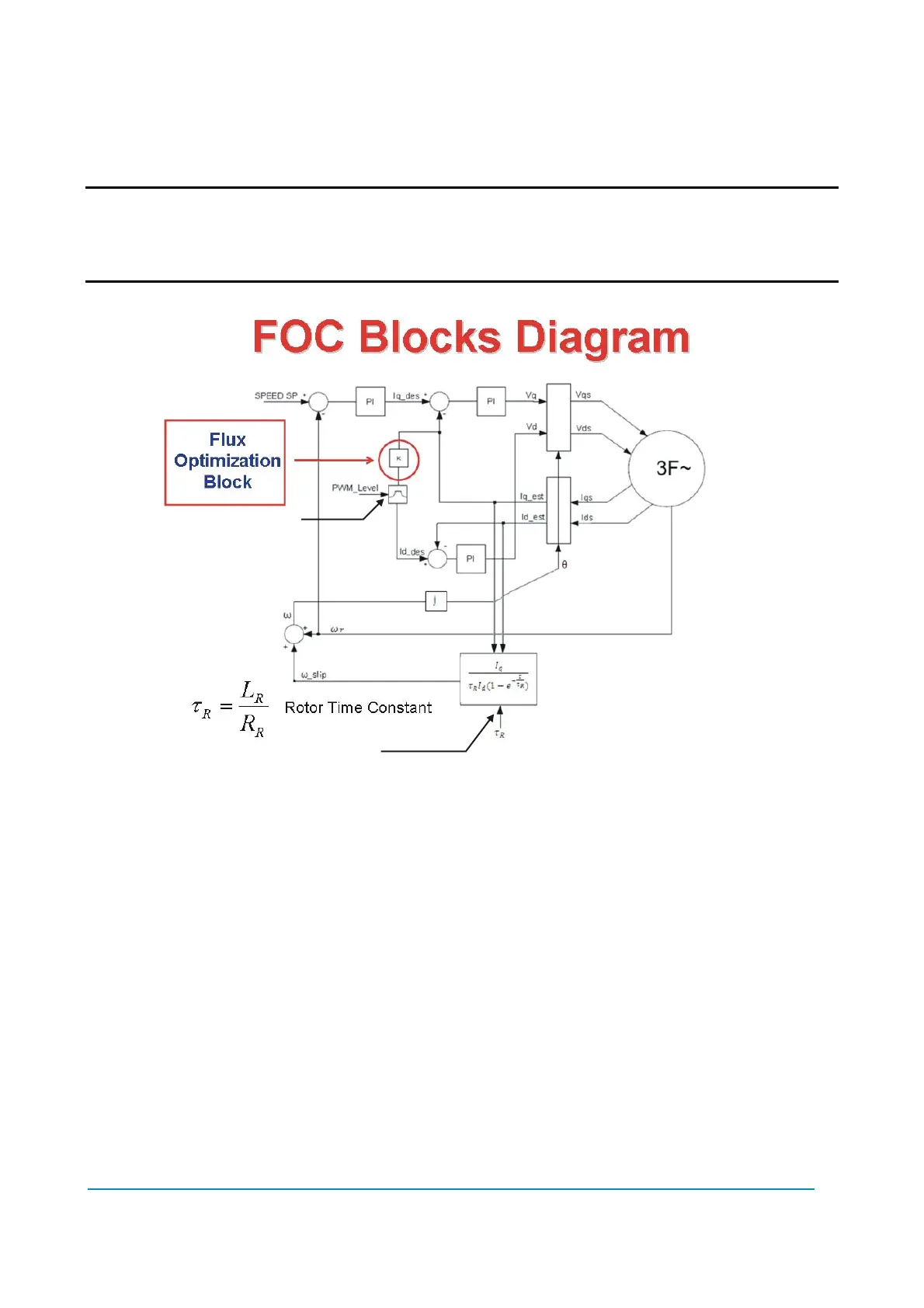
Figure 9.2.5-1.
1) ID RMS MAX
Ampere, 0 A through 255 A. Mandatory default value is 20 A.
Factory adjusted. This setting defines the maximum direct current in Arms.
2) MAX FLUX
mWb, 0 mWb through 200 mWb. Default value is 83 mWb.
This setting defines the maximum linked flux (peak value) in the delta model.
Typically it is given by the formula 159 * Vbatt / corner freq. Not used.
3) KP1 DIVISOR IQSP
Number, 0 through 200. Mandatory default value is 16.
This setting defines the proportional divisor of the speed control. Factory adjusted.
4) KI1 IQSP
Number, 0 through 200. Mandatory default value is 10.
This setting defines the integral factor of the speed control. Factory adjusted.
KP1
KI1
KP2
KI2
KP3
KI3
ID RMS MAX
TR MILLISEC



 To Next Page