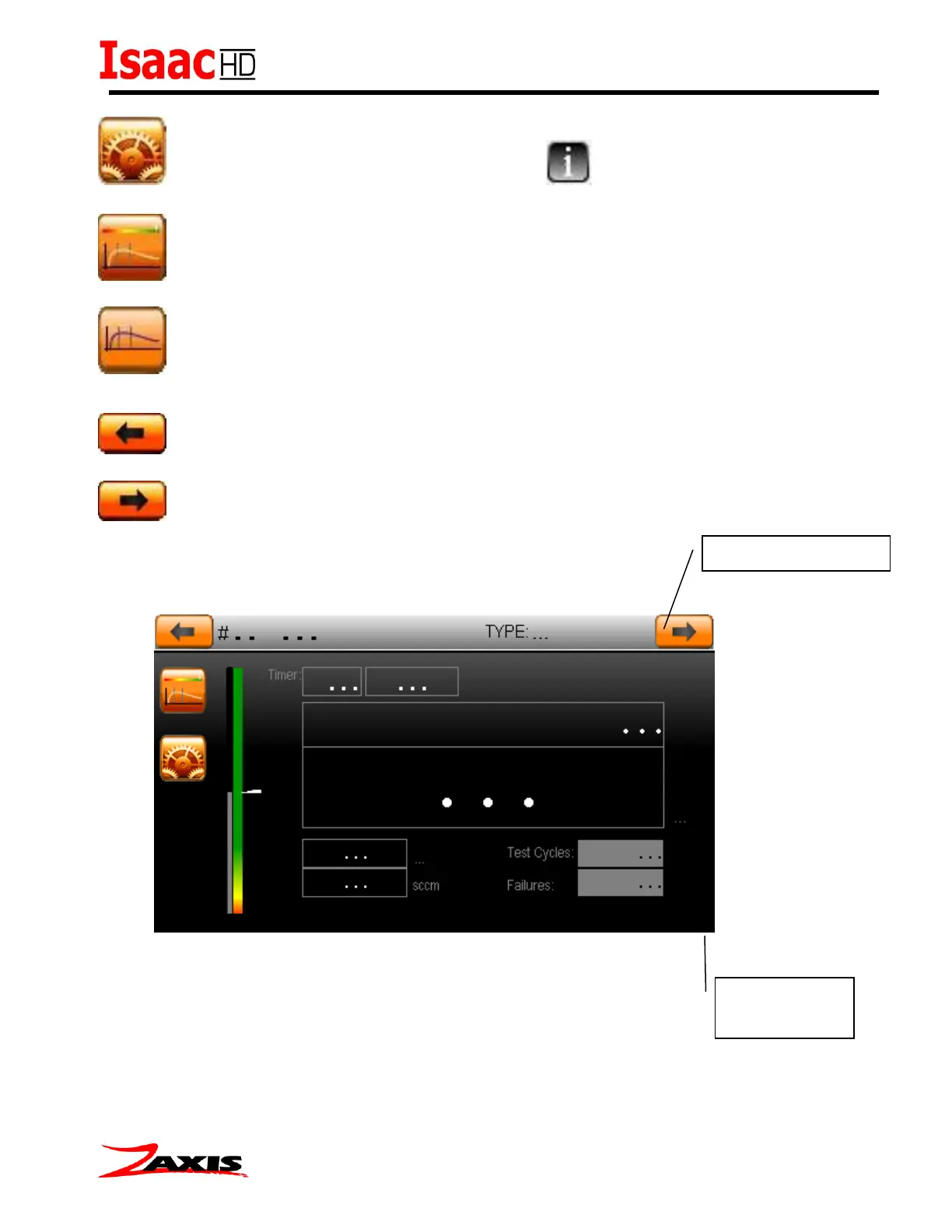
Return to the setup screens. Setup help Buttons.
Cycle between the run screen selections. (Graph, Numeric, and Bar)
Clear the previous test graph traces from the screen. (Graph only)
Change to Program Number. (Decrement)
Change to Program Number. (Increment)



 To Next Page