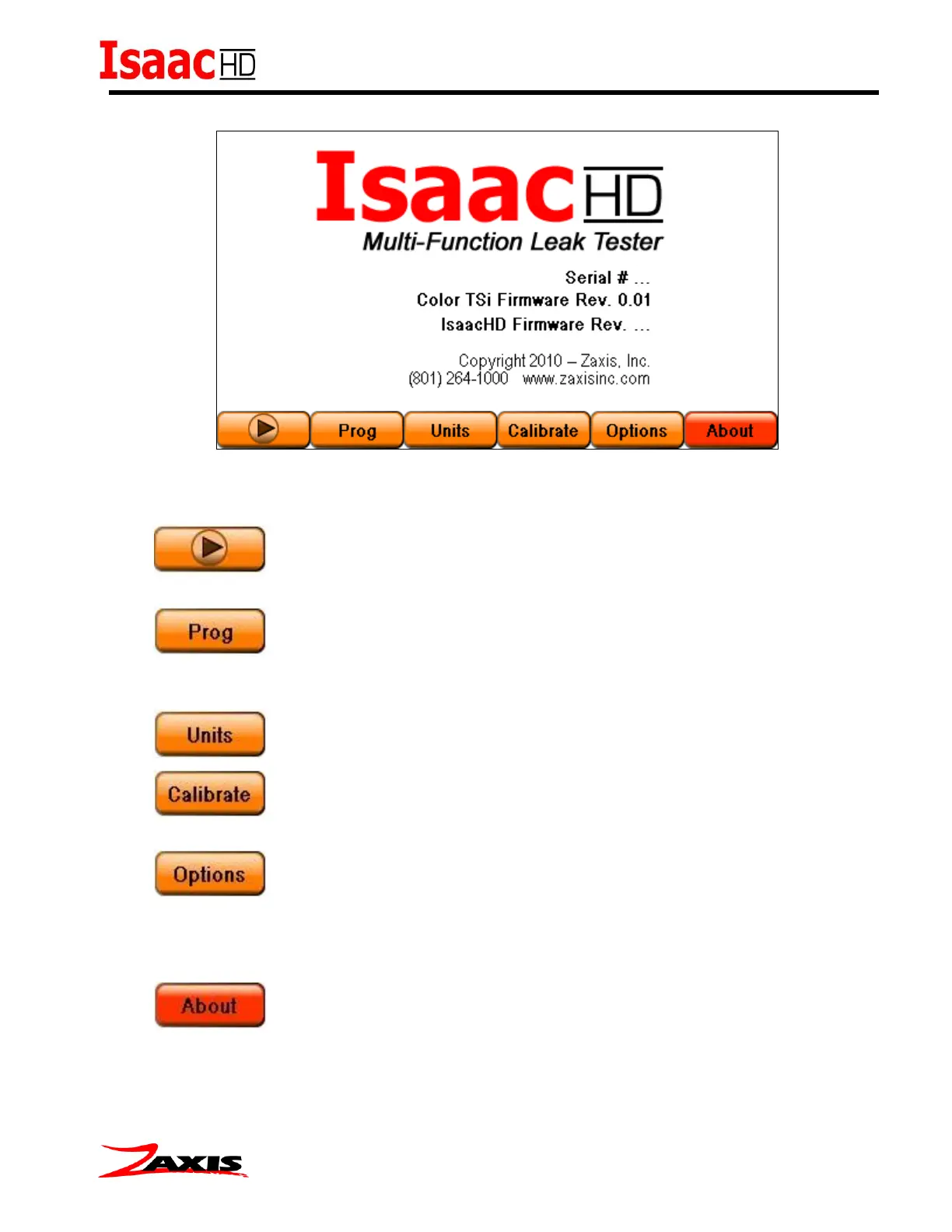
Control Screens:
Buttons at the bottom of the TSi display allow the user to navigate through the setup screens.
(Run Mode) – Press this button to change to the run mode, to begin
testing.
(Program) - The program screens contain the parameters of the test
(timers and Limits), the number of channels being tested, and the clamp valves timer
configuration.
(Units) - Engineering units and the displayed sensor resolution.
(Calibrate) - Access to the calibration of Pressure, Vacuum, and Flow
Sensors.
(Options) - The menu screen has eight options: (1) Touchscreen
Calibration (2) Clock (3) I/O Setup (4) Data Logging (5) Lock tester (6) Change PIN (7)
Serial Port (8) Ethernet Settings. Each screen is described later in the setup section.
(About) - The “About” screen lists the firmware revision level for the TSi and
Isaac, serial number, as well as contact information for Zaxis.



 To Next Page