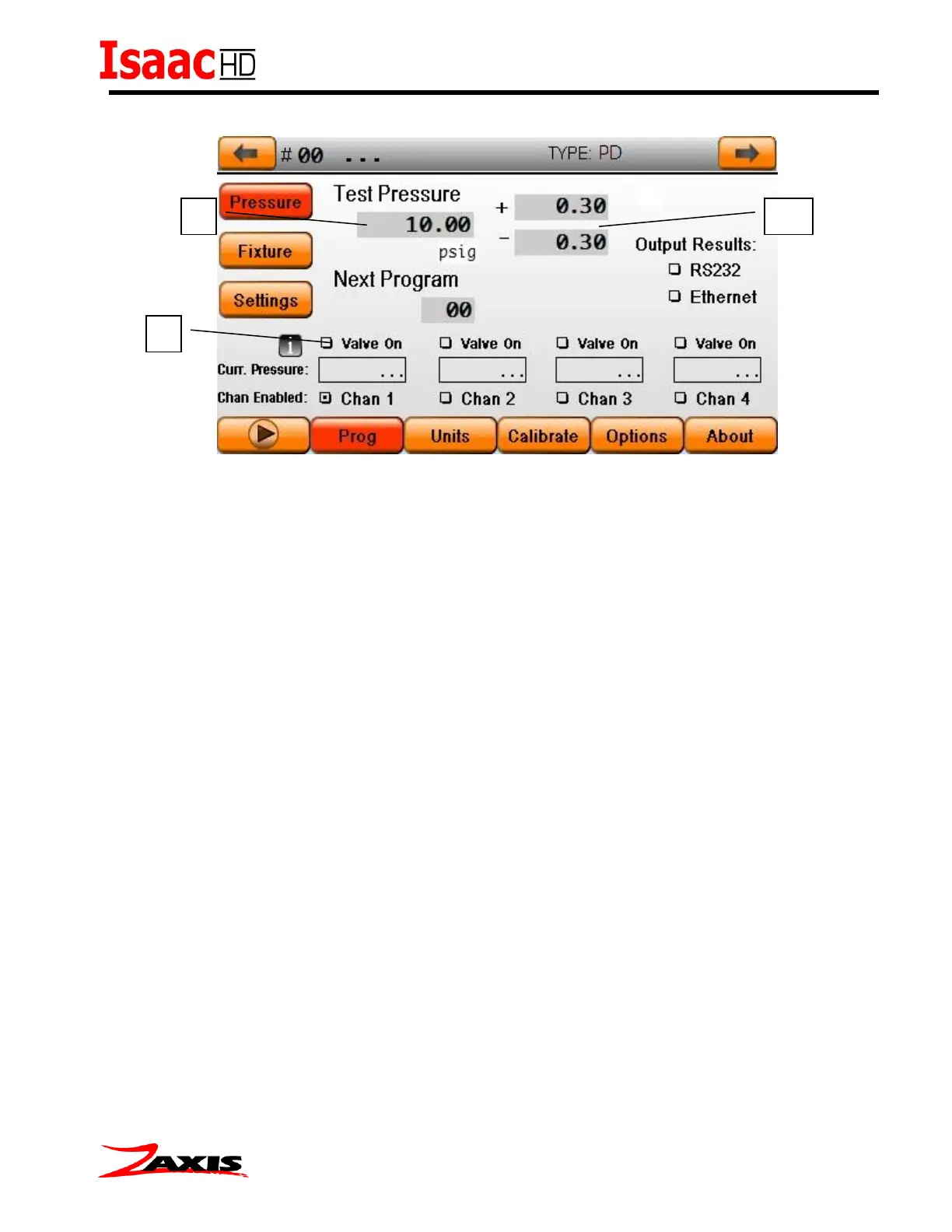
Setting Test pressure (Manual Regulator)
To set the test pressure, place a master part or plug onto the test port. (1) Set the desired
pressure in the test pressure value box as well as the plus+ and minus– tolerance(1a), then
check the “Valve On” box (2). The internal pneumatics will open to allow the pressure from the
regulator out to the front port. The pressure sensor will show the current pressure in the space
below the ‘valve on’ check box. Adjust the regulator until the specified pressure from the ‘Test
Pressure’ value field is achieved. Uncheck the box when finished.
If timers have been set in the Fixture screen prior to the valve on checkbox, the clamp timers will
operate when the valve on box is checked prior to opening the internal pneumatics.



 To Next Page