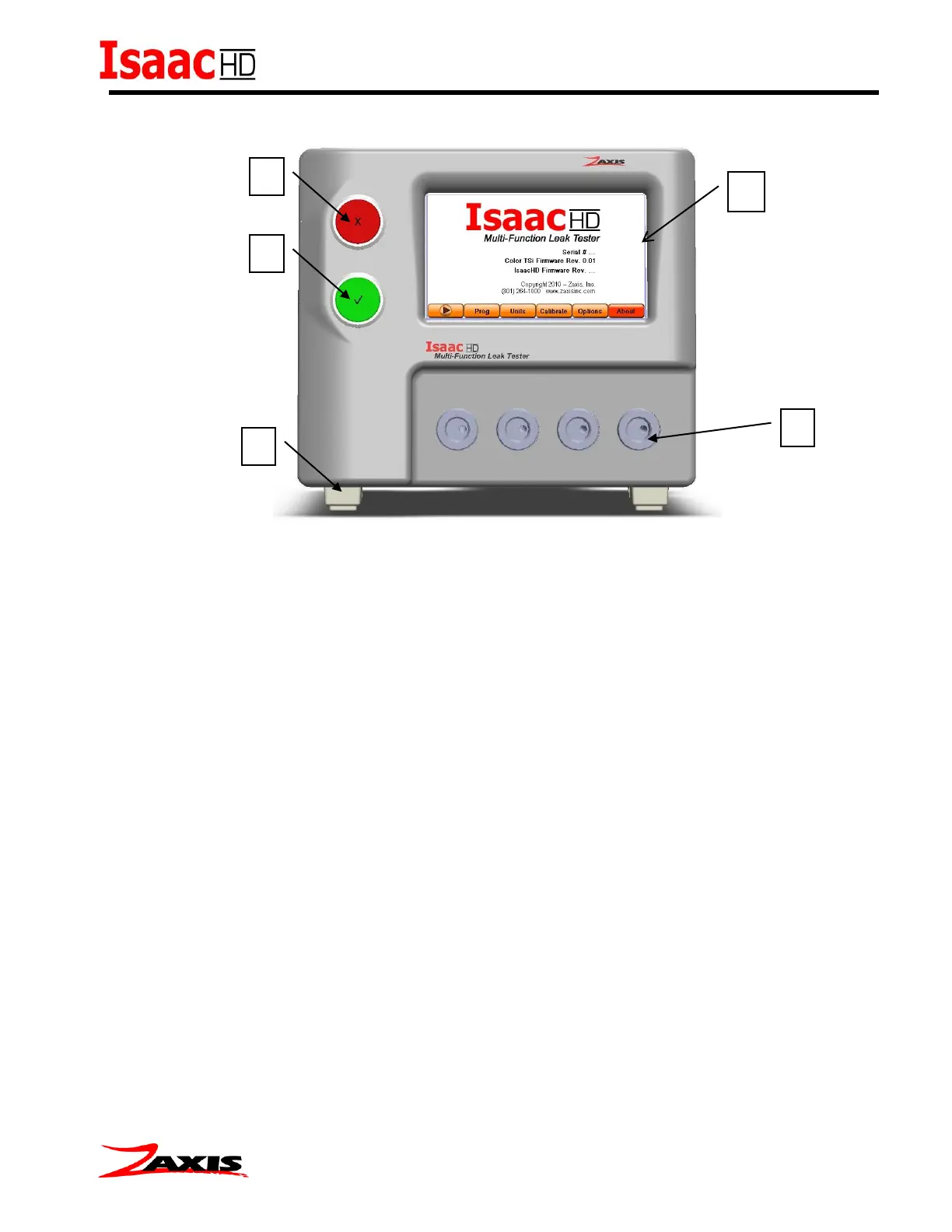
Font Panel
1. Touch Screen Interface (TSi) - The liquid crystal touch screen display is the primary
control of the leak tester.
2. Abort Button / Fail Indicator Light / Retest Button - Red LED indicator marked with
an ‘X’.
3. Start Button/Pass Indicator Light - Green LED indicator marked with a ‘√’.
4. Test Ports - Each port is a 1/8”-27 F NPT (similar to R1/8 BSPT British Standard Pipe
Taper) female threads. This is where the DUT (device under test) is attached. Test port
positioning will vary by model.
5. Tilt-up feet – The position of the tester can be raised by rotating the tilt-up feet into
position. Units with the Electronic Regulator option will have these feet removed due to
the position sensitivity of the electronic regulator.



 To Next Page