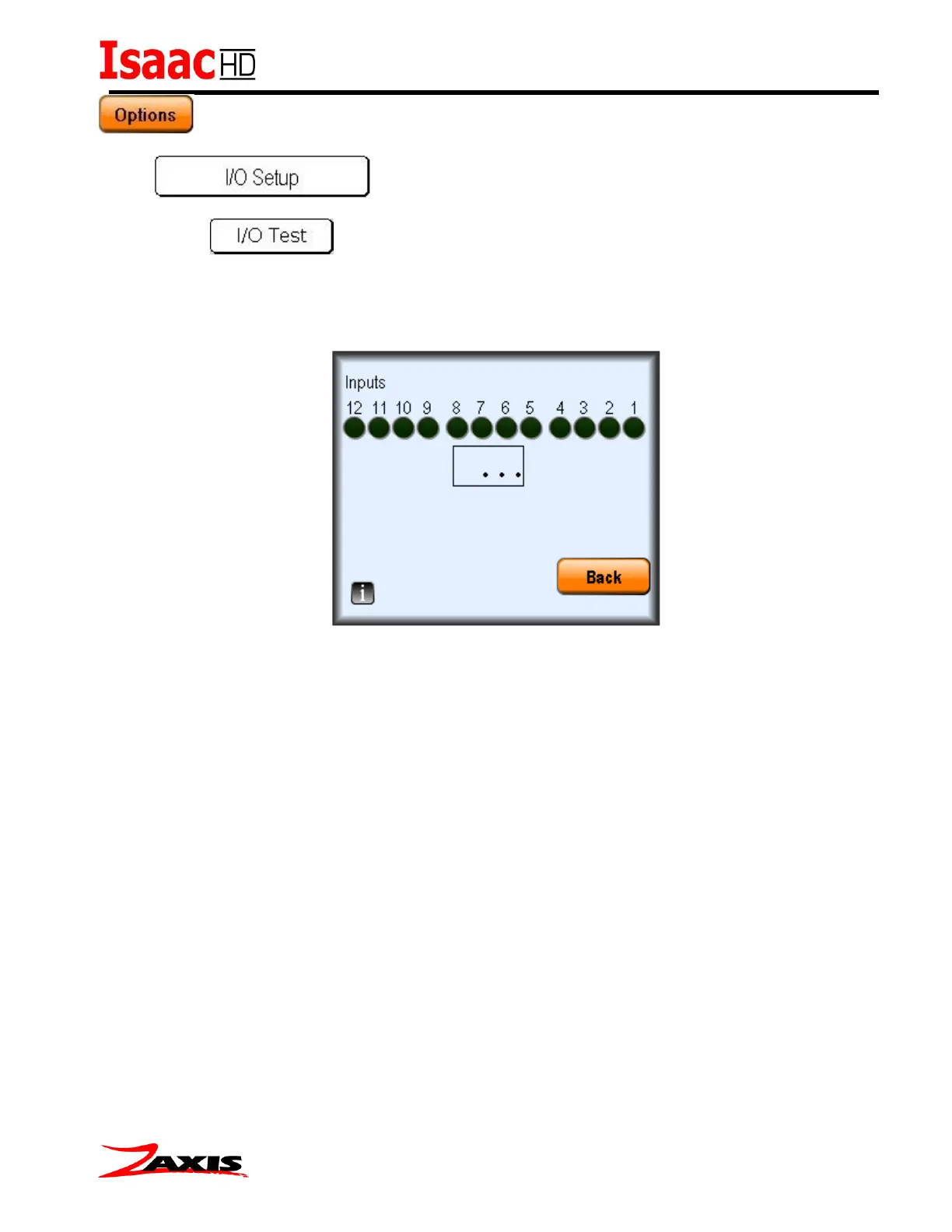
This screen allows the user to test the input bit pattern to help debug wiring from the remote control
(PLC etc.). The value from the input register will display when the input is held active. (See I/O pin out
chart for Input Test Values)
In this screen when an input is active its corresponding output will also be active. For example when
input 5 is set active, then output 5 will be active.



 To Next Page