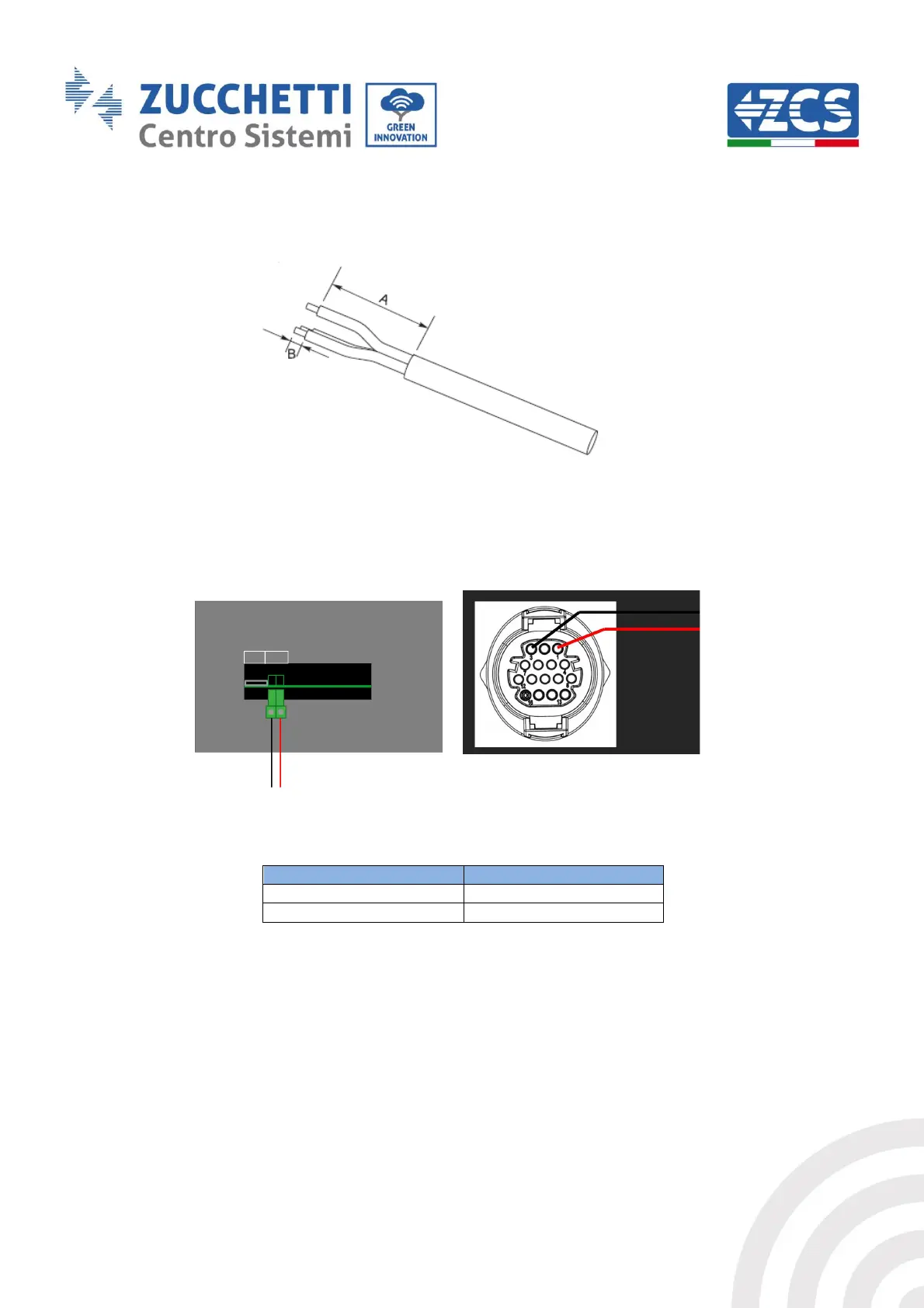
1) Remove a suitable length of the protective sleeve, as shown in the figure (A: 80~100 mm B:
6~8 mm).
Figure 27 – Preparing RS485 cables
2) Connect the 2-pole cable to the port of the photovoltaic inverter marked “RS485”. Follow the
polarity shown in the figure and the pin-out in the table. For -V1 and -V2 models, refer to the
connection on the left, for -V3 models, refer to the COM connection on the right.
Figure 28 - Connections on photovoltaic inverter (-V1 and -V2 on the left; -V3 on the right)



 To Next Page