7.2. Adding an Azzurro inverter
When the configuration is complete, the list of connected devices and the settings of the system can
be checked.
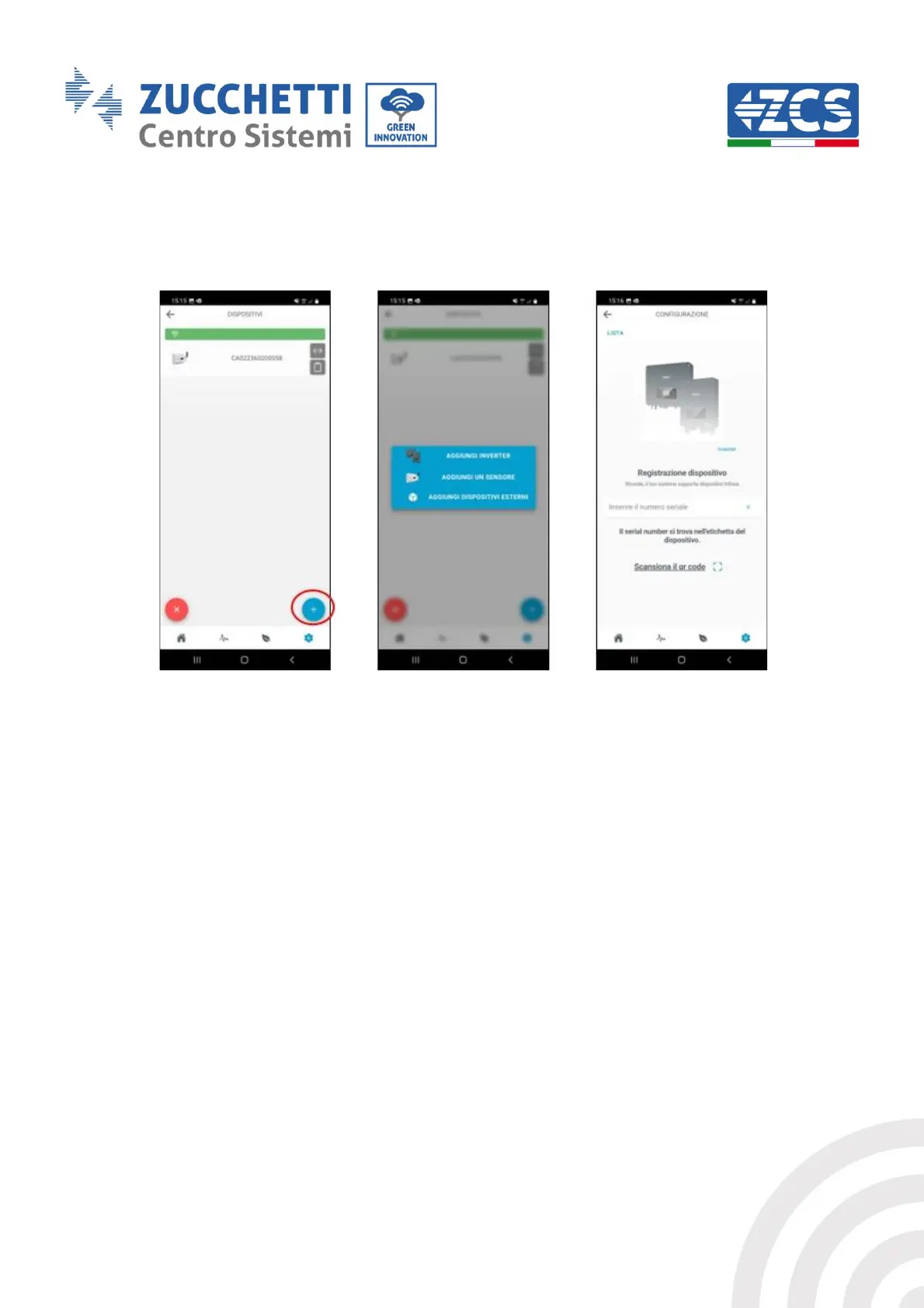
Figure 54 – Adding devices
To add devices, click the + icon, click “Add inverter” and enter the serial number of the Azzurro
inverter. The serial number can be found on the inverter label. The communication address of the
inverter must be indicated. This can be checked from the System Info.



 To Next Page