14. Appendix A – Wallbox settings
Registration of the wallbox on the Connext System via the app must be carried out with the wallbox
switched on and set to Plug&Play operating mode.
Wallbox settings can be changed using the front keypad.
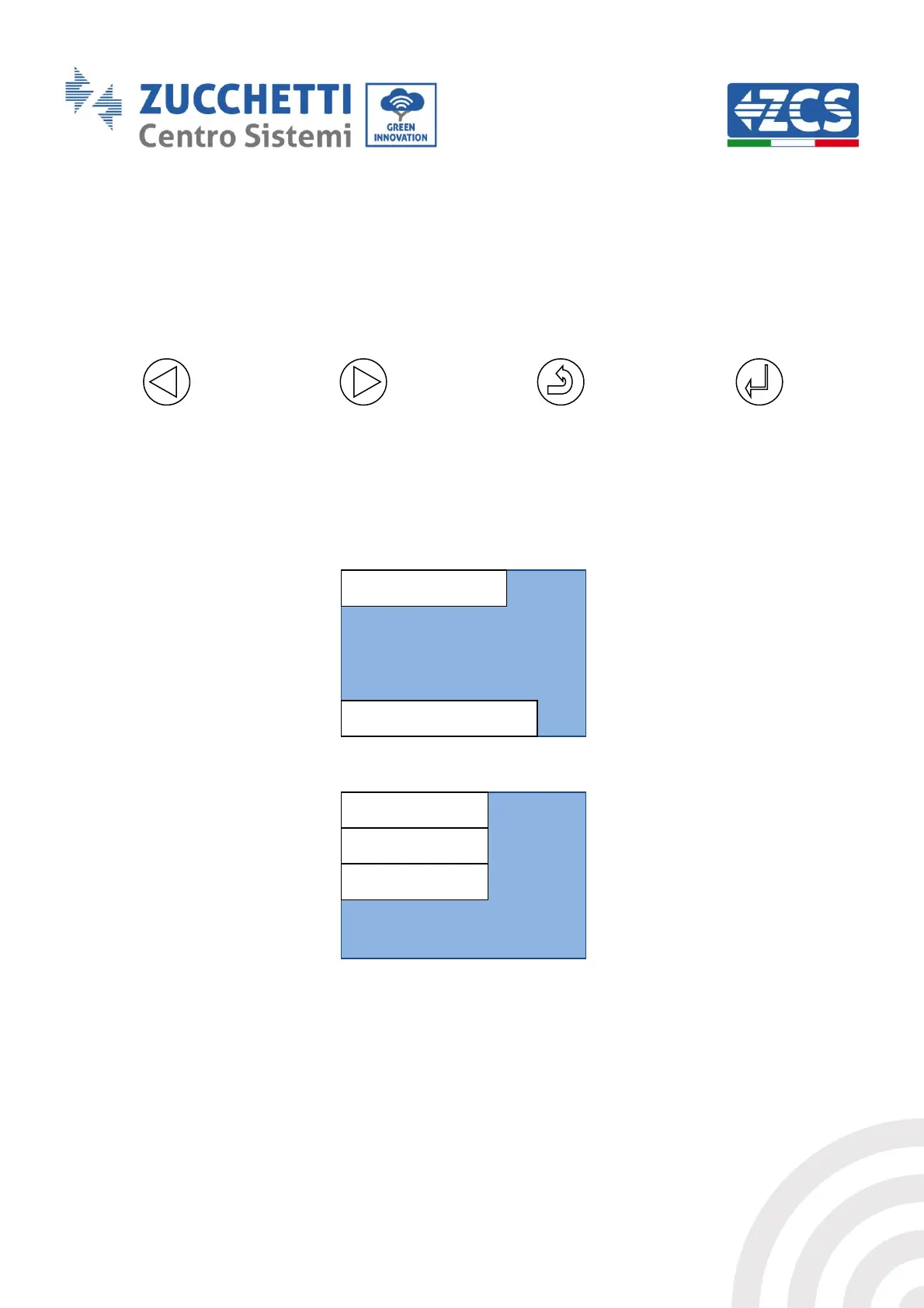
Figure 65 - Control keypad
1) Press the Confirm/Enter key for at least 10 seconds
2) The page shown in the figure below appears; use the Next, Back and Confirm/Enter keys to enter
your password. Password: 123456
Figure 66 - Password entry screen
Figure 67 - Main configuration screen
3) From the screen in the figure below, select point '1. Settings', and press the Confirm/Enter key.
Wait for the page in Figure 68 to appear.



 To Next Page