EasyManua.ls Logo

ZCS AZZURRO CONNEXT - Account Levels; Accessing the Azzurro Systems App

Default Icon
67 pages
Print Icon
To Next Page IconTo Next Page
To Previous Page IconTo Previous Page
Loading...
Solo documento principale.
44/67
Identification: MD-AL-GI-00
Rev. 1.2 07.06.21 - Application: GID
Owner
Administrator
User
Choose Administrator account
Yes
No
No
Change system power
Yes
Yes
No
Add devices
Yes
Yes
No
Change charging strategy (EVC)
Yes
Yes
No
System monitoring
Yes
Yes
Yes
Table 19 - Account levels
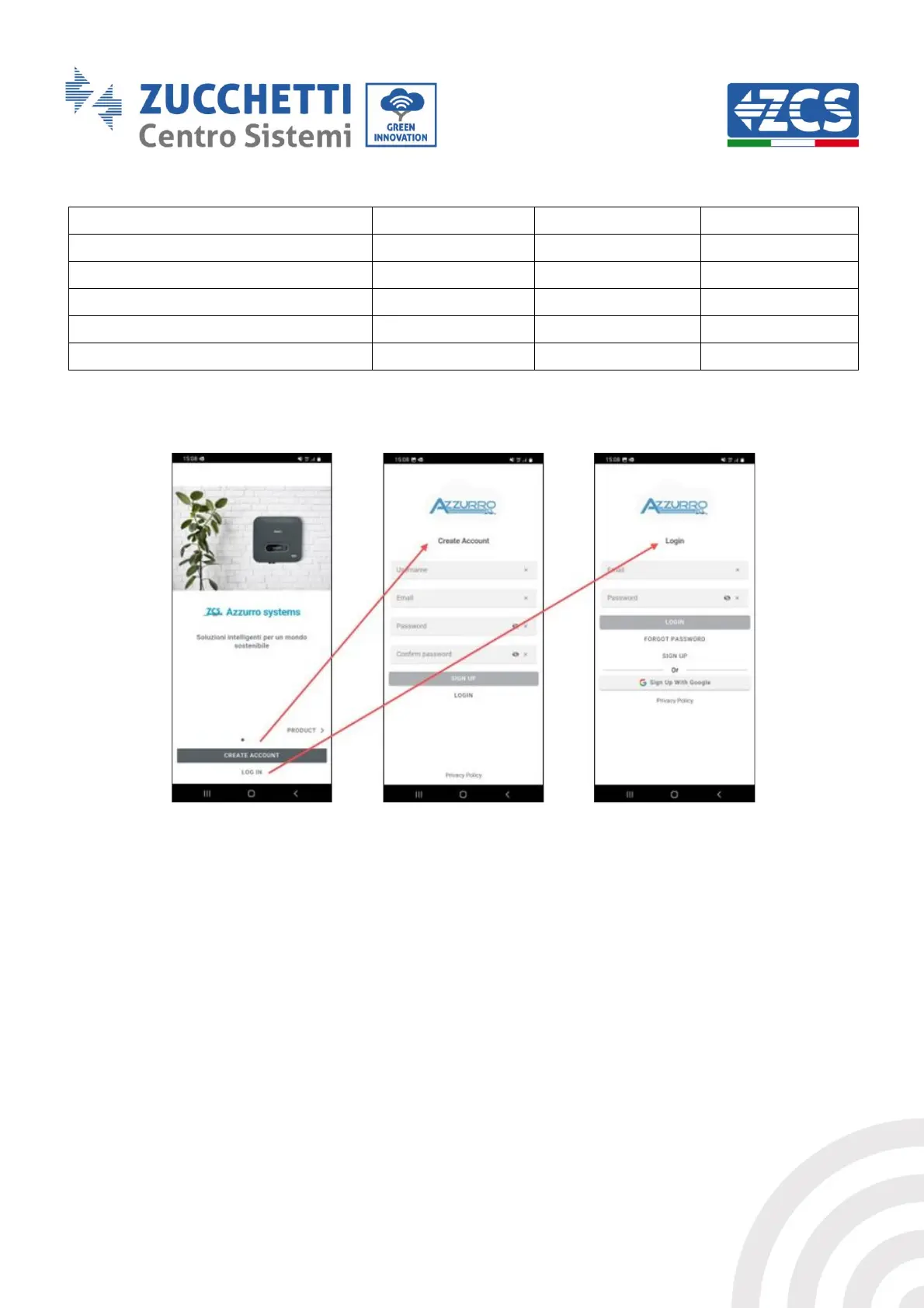
Figure 49 - Access to Azzurro Systems app
Any systems already registered on the account used will be imported, and new ones can be added by
clicking the + icon located on the bottom right of the screen
The "With Connext" type of system must be selected and the serial number on the device itself and
on the box must be entered (e.g. CA020490200005).