16
<PO
2
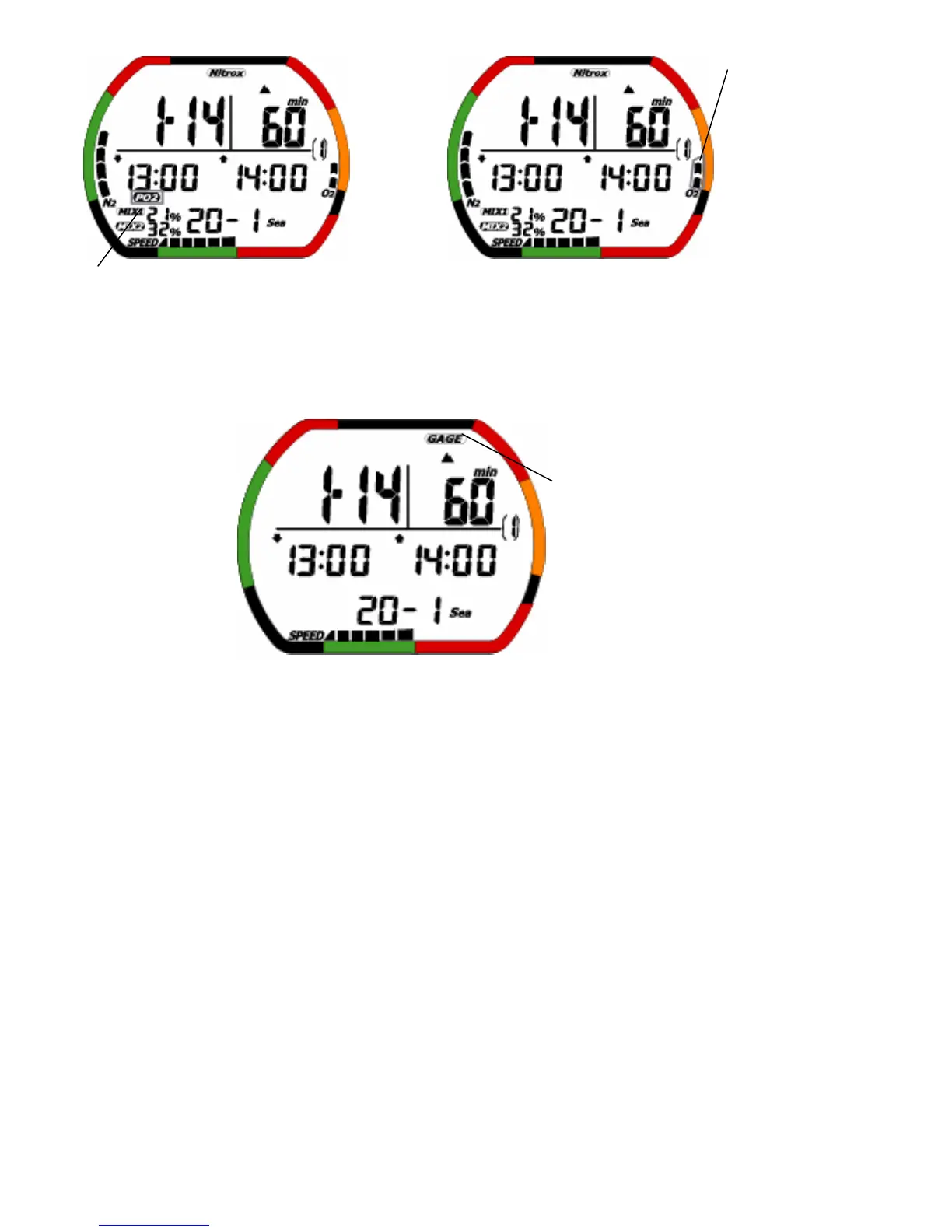
warning> <OLI warning>
Gage dive log mode provides functions for recording various data during a dive same dive log mode
when the dive depth is at least 1.5 meters (5 feet) and the dive time is at least 3 minutes. Then, Gage
Icon is on , and it shows to have dived in gage mode. The logged data is described below
<Gage log mode>
(2)Operation of switches
• A: Press this switch to change log number.
(60-1→60-2→…→2-1→2-2→1-1→1-2)
• A: Press and hold this switch to change log number fast scrolling. The oldest data stop.
(60-1→59-1…→3-1→2-1→1-1)
• B: Press this switch to move to dive profile mode.
• C: Press this switch to change log number.
(1-2→1-1→2-2→2-1→…→60-2→60-1)
• C: Press and hold this switch to change log number fast scrolling. The oldest data stop.
(1-1→2-1→…→59-1→60-1)
• D: When water is detected, the mode moves to dive mode.
• Auto return: The display automatically returns to time mode when no switches are used for 2-3
minutes.
• B: Press and hold this switch for 1-2 seconds to move to time mode.
PO2 Icon blink
OLI bar graph blink
Gage Icon


 To Next Page