26
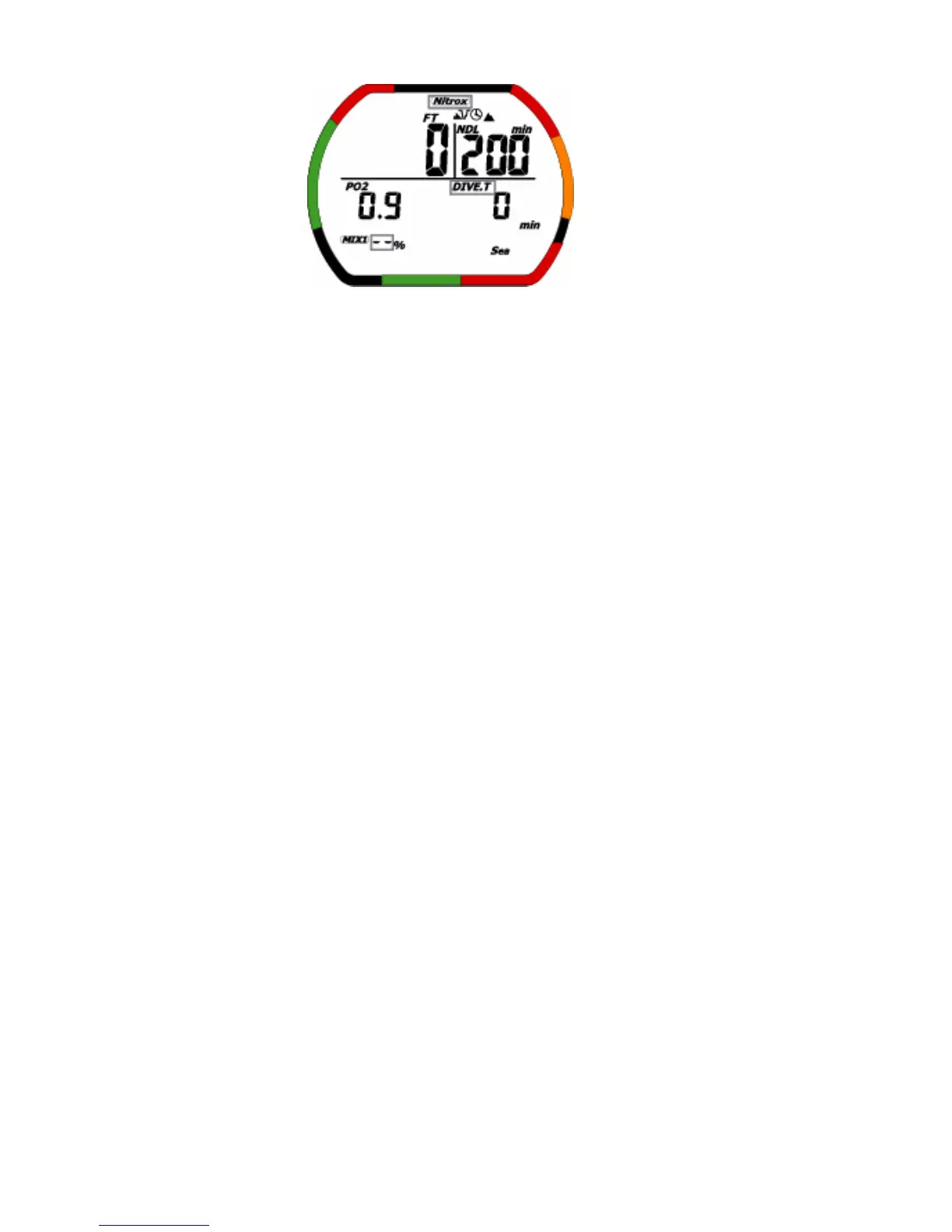
<Default warning>
(3)Operation of switches
<Non-decompression>
• A: Press this switch to change to MIX from 3-4 seconds. And EL back light is on from 4-5 seconds.
• B: EL back light is on from 4-5 seconds.
• C:When user pushes and holds a switch C, it displays the temperature, the dive time, the maximum
water depth and setting FO
2
value. And EL back light is on from 4-5 seconds.
• Less than 1.5 m water detection switch OFF: moves to time mode.
<Decompression/Decompression stop violation>
• A: Press this switch to move to MIX change from 3-4 seconds. And EL back light is on from 4-5
seconds.
• B: EL back light is on from 4-5 seconds.
• C:When user pushes and holds a switch C, it displays the temperature, the dive time, the maximum
water depth and setting FO
2
value. And EL back light is on from 4-5 seconds.
• Less than 1.5 m and after 10 minutes: moves to Decompression stop violation lock. The computer
can’t use for 48 hours. The mode will be automatically switched to time mode after 48 hours have
elapsed.
<Decompression stop violation lock>
This mode is locked until 48 hours have elapsed.
It can’t move to dive plan mode.
• A: Press this switch to select place you want to change. And when decompression stop violation lock
display, EL back light is on from 4-5 seconds.
• B: This switch is mode select switch.
decompression stop violation lock→Dive log mode→Dive profile mode→PC transfer
mode→decompression stop violation lock →……
• C: Press this switch to change setting the contents. And when decompression stop violation lock
display, EL back light is on from 4-5 seconds.
• Water detection switch: no function.


 To Next Page