Installing Cable Clip
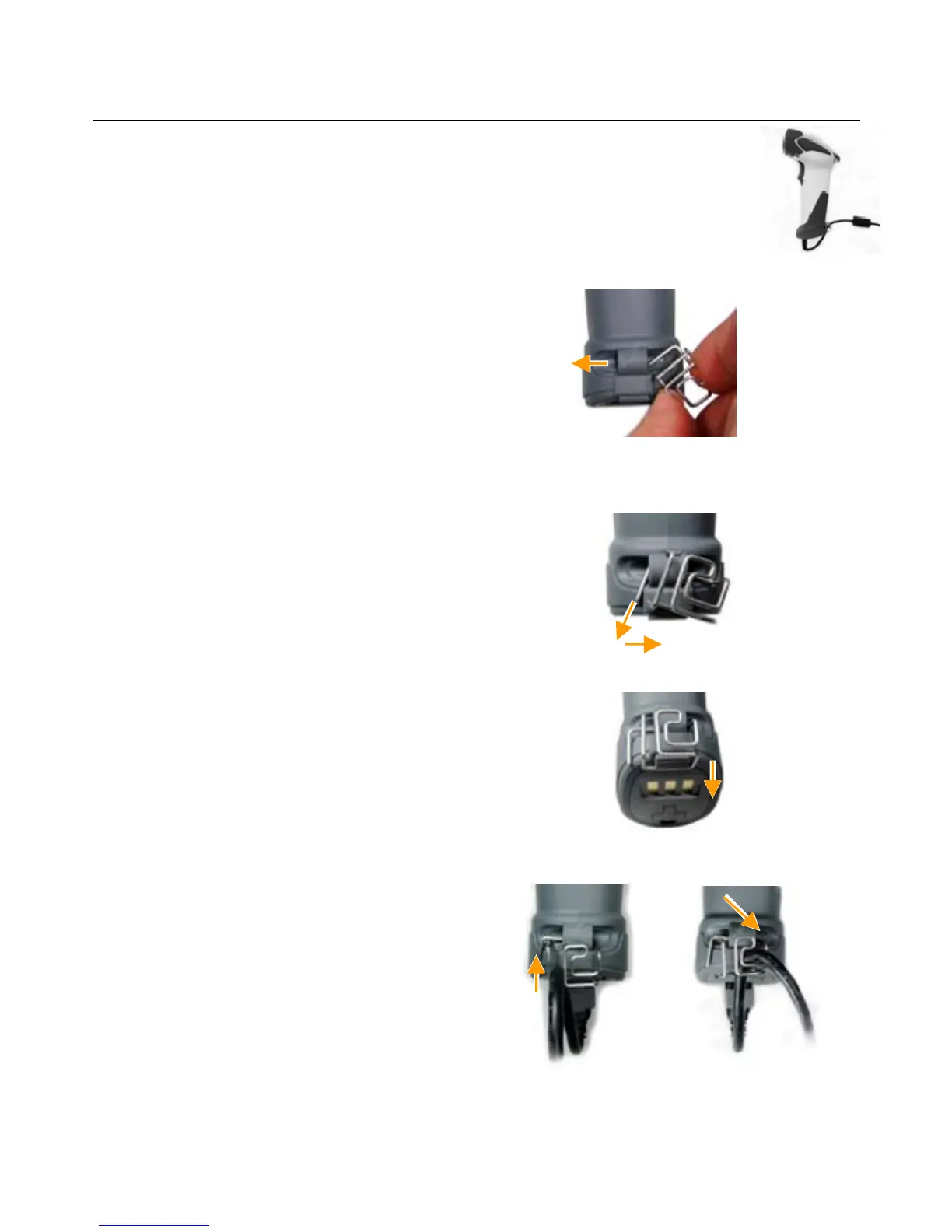
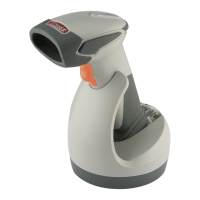
Cable clip is used to hold the mini USB cable in USB Online Mode. With the
cable clip, you can easily transform your wireless scanner into a wired one.
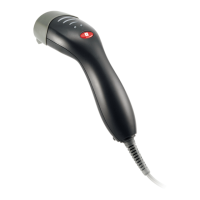
Please follow the instructions below to attach the cable clip to the scanner.
1. Insert the cable clip to the strap hole as
shown.
2. G
ently turn the cable clip counter-clockwise
and push the cable clip all the way through
the strap hole.
3. A
ttach the bottom part of the cable clip to the
scanner handle.
4. A
ttach the cable to the cable clip.
11


 To Next Page