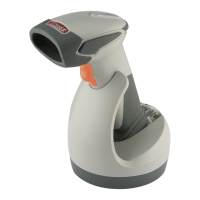
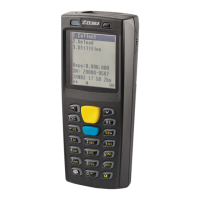
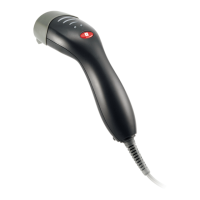
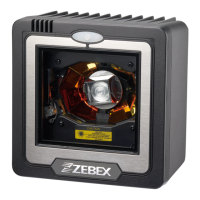
The scanner will power on automatically when
charging.
Batteries shipped may not be full charged and
should be fully charged for maximum charge
capacity.
Recommended charging environment is
temperature in 0°C~35°C (32°F~95°F).
Power On the Scanner
1. Ensure the battery is fully charged. Please refer to the previous section to charge
the battery.
2. Press and hold the trigger for 1 second until a long beep sound is heard to turn on
the scanner.
Radio Communication Host Type
This scanner support three radio communication types:
Cradle Host mode
SPP master/slave mode
HID mode
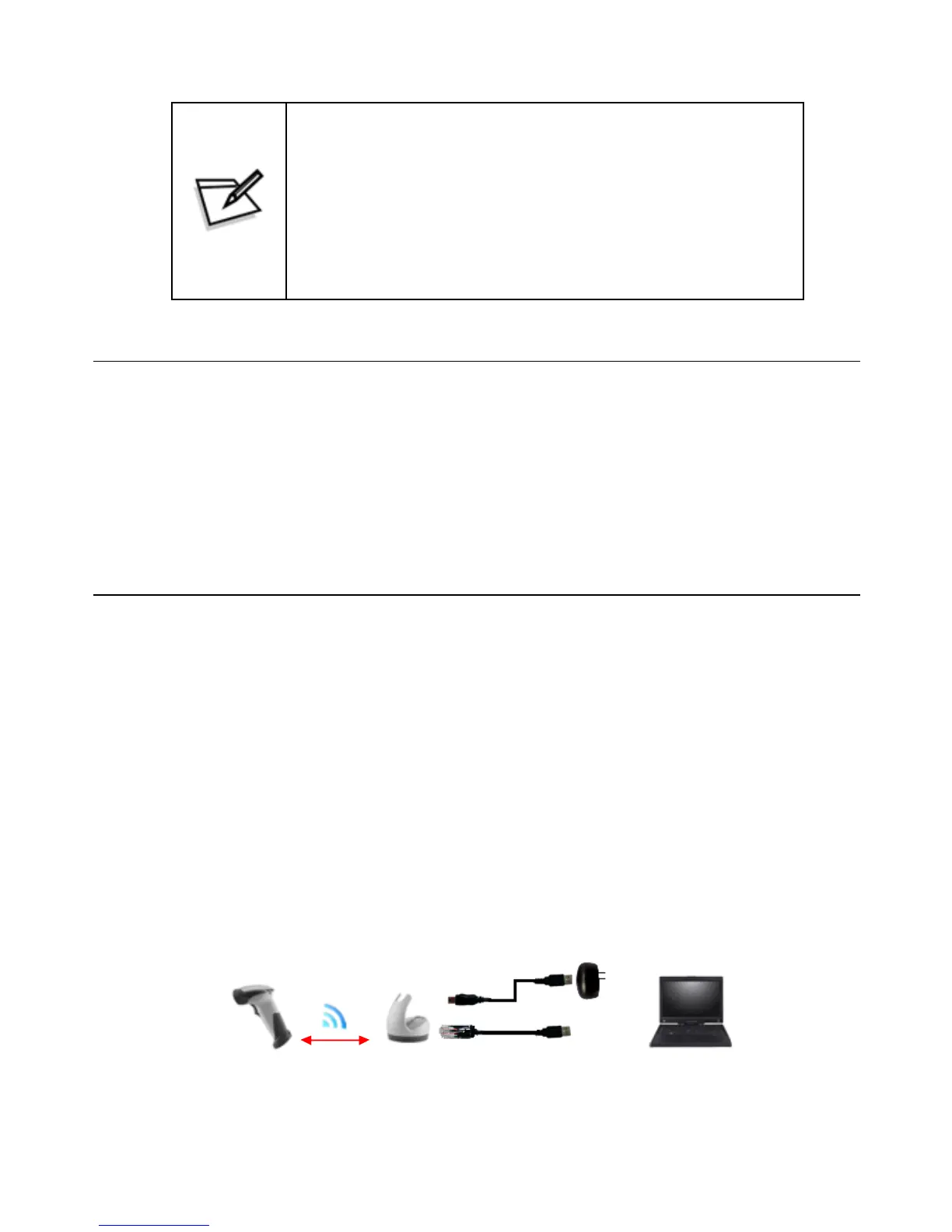
Cradle Host Mode
The scanner communicates with the host through the cradle and the cradle communicates
directly to the host via host interface cable connection. Typically, scanner and cradle in
the same delivery box are paired in factory. As soon as both are powered on, they should
find and connect to each other immediately.
However, under special circumstance that the scanner and the cradle are not paired with
the cradle, please see User’s Manual for detail operation information.
15


 To Next Page