How to Scan
There are two ways to scan with this device.
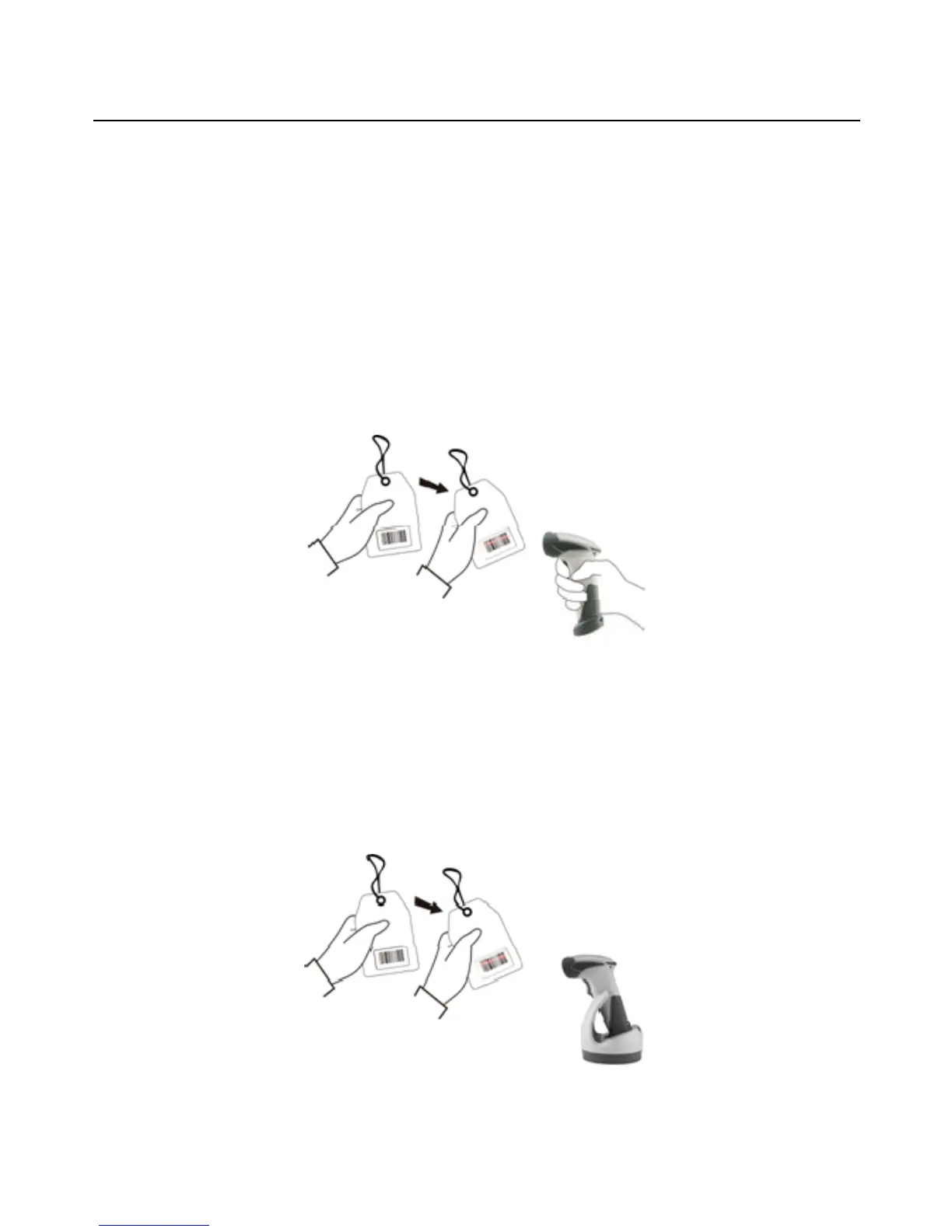
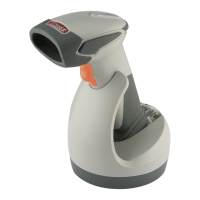
Handheld scanning
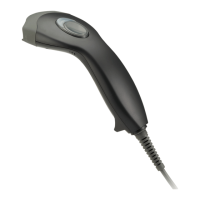
Presentation scanning
Handheld scanning
1. Power on the scanner.
2. Press the trigger and aim at the barcode as illustrated.
3. When decoding is successful, the scanner beeps and the LED indicates blue.
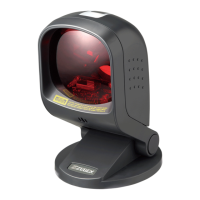
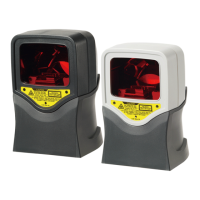
Presentation Scanning
1. Put the scanner into the cradle for presentation scanning.
2. Move the barcode label approach the scanner scanning zone.
3. When decoding is successful, the scanner beeps and the LED indicates blue.
18



 To Next Page