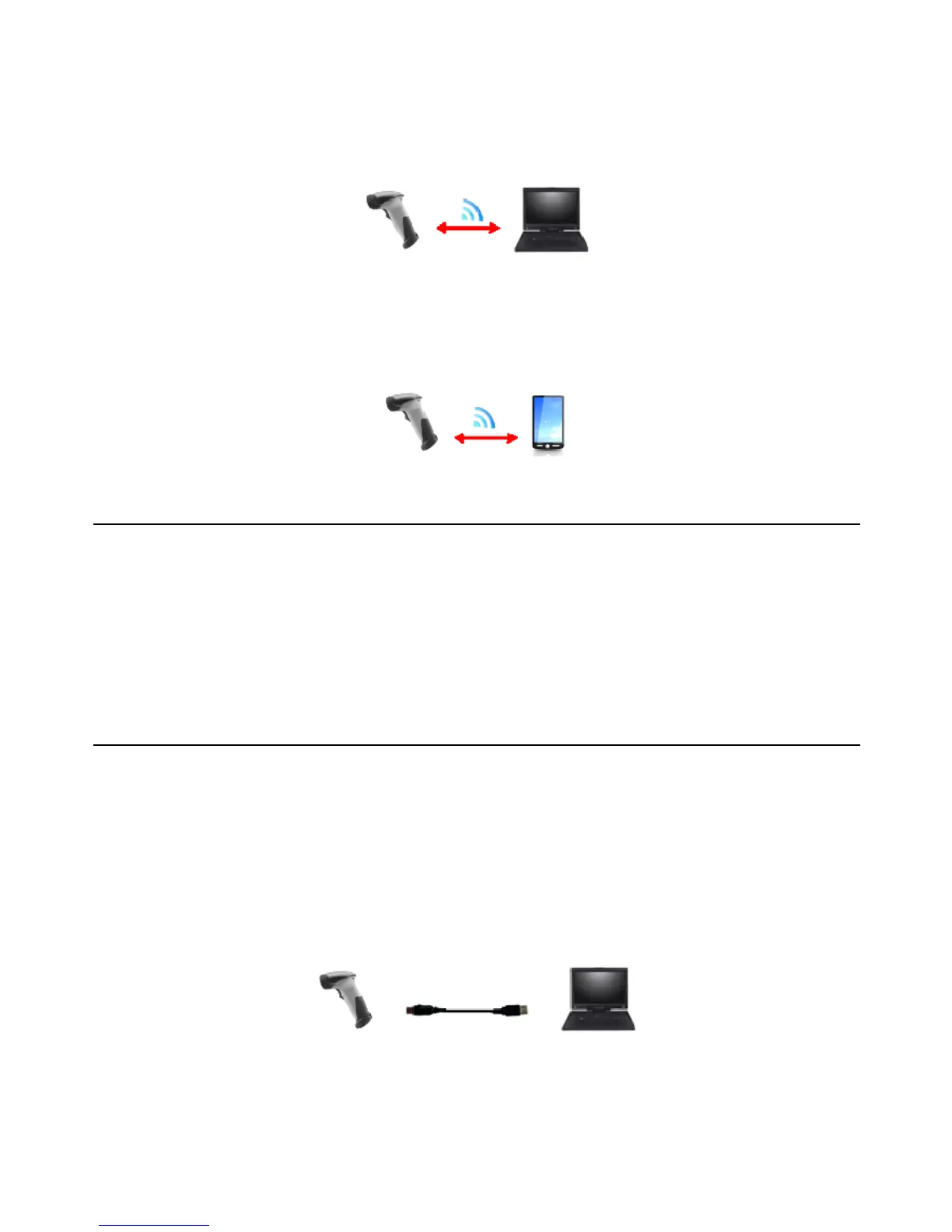
SPP Master/SPP Slave Mode
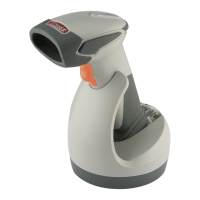
The scanner communicates with the host through wireless connection.
Please see User’s Manual for detail operation information.
HID Mode
The scanner communicates with the smart phone through wireless HID connection.
Please see User’s Manual for detail operation information
Paging the Scanner
1. Ensure the cradle is properly connected to the host and LED indicator is showing
steady blue.
2. Press the function trigger on the cradle. You should hear the scanner make 3 beep
sounds and blue LED flash 3 times if it is in range.
Scanner USB Online to Host
The scanner provides other ways for you to connect to the host. When the radio
communication is not available, the scanner can be connected to transmit data via USB
Online mode. Please see USB Online Mode for detail operation information.
USB Online Mode
The scanner connects directly to a USB host to recharge and transmit data.
16


 To Next Page