Start Of Configuration
Clearing Batch
Use the settings in this section to clear the stored data. “Confirm Setting” label must be
read to save the settings in this section.
Clear batch data after send
Clear batch data by scanning “Delete batch data” label
Confirm Setting (for address and pin code setting required)
Delete batch data
Batch Transfer
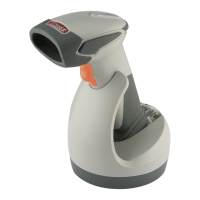
Use the settings in this section to setup batch transfer. Hold the trigger for over 1 second
to send the data.
29
Send Batch Data By Scanning Label
Send Batch Data on line USB cable contact
Send Batch data on cradle
End Of Configuration


 To Next Page