Programming Card
Introduction
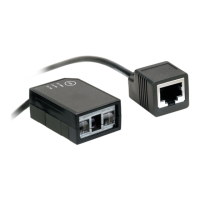
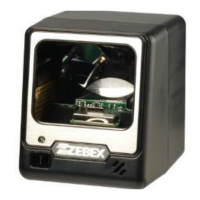
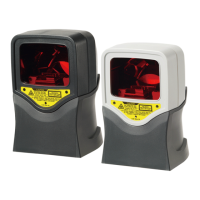
This programming card contains only frequently-used programming bar code labels
used to configure the scanners.
For detailed programming instructions and safety notices please refer to the User’s
Manual or Programming Guide.
Programming Procedure
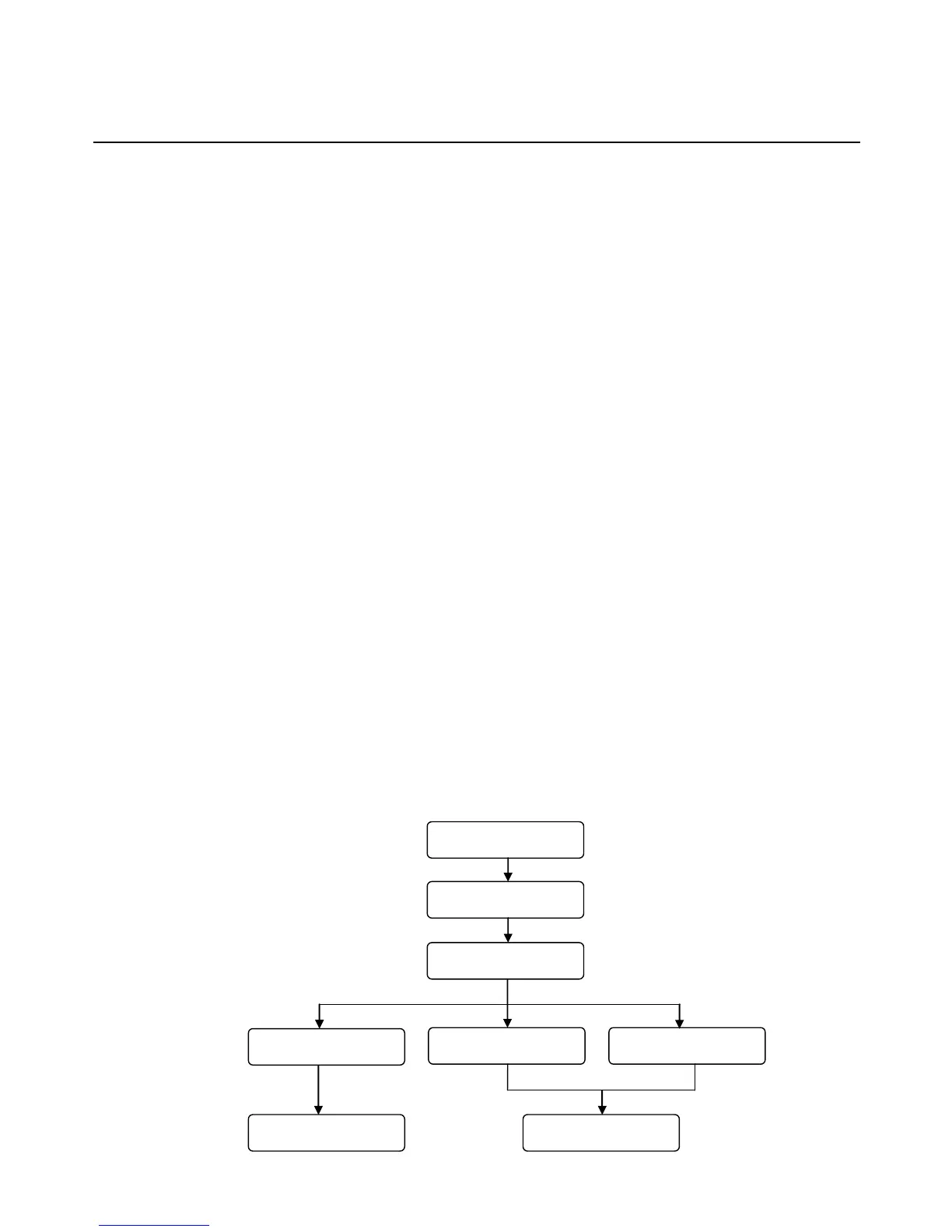
1. Power up the scanner.
2. Scan the Start of Configuration barcode.
3. Scan the barcode for the desired feature. Multiple features can be enabled
or disabled before scanning the End of Configuration barcode.
4. Scan the End of Configuration barcode and save the new configuration.
5. To give up a configuration change, power off the scanner before scanning
the End of Configuration barcode or scan the Abort barcode.
6. For some parameter setting, such as barcode length and identifier code, it
is required to scan the Set barcode to save the configuration. See these
parameter descriptions for this procedure.
Power up the scanner
Scan the “Start of
Configuration” barcode
Scan the “End of
Configuration” barcode
Scan the “Abort” barcode Power off the scanner
Finish the configuration
Discard the configuration
Scan barcode of the
desired feature
21



 To Next Page