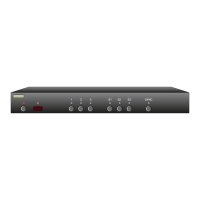
Start by pressing and
holding the Power
button...
1
2
...while continuing to hold the Power
button, press and hold both the ‘3’
and the ‘S1’ buttons.
After about 4 seconds, the display will flash
indicating all parameters have been restored
to their factory programmed values.
3
Resetting to Factory Defaults
If, for w hate ve r re ason, you’d like to res et your MAS7. 1 back to i ts
fac to r y default c on ditio n, this i s easily do ne...
Step 1: Reset All Parameters to Factory Defaults
First pr es s and h ol d the Po we r button
Wh ile conti nu ing to ho ld the Power B utton, pres s and h ol d
both th e ‘3’ and ‘S1’ buttons.
Af ter h ol ding al l buttons for a bout 4 se co nds, the di splay
will fl as h indic at ing all p arameters h ave be en restored to
their f ac tor y p ro gram me d value s.
Note: Resetti ng the MA S7.1 to i ts defa ul t value, resets e very-
thing to th e sam e stat e it was wh en it l ef t t he factory!
This in cl udes any le ar ned IR code s and a ll timing i nfor-
mati on, n ew s witch m ap pings, etc.
Ple as e be aware of t hi s before is su ing thi s co mmand!
1.
2.
3.


 To Next Page
