22
PLAYBACK
NORMAL PLAYBACK (Cont’d)
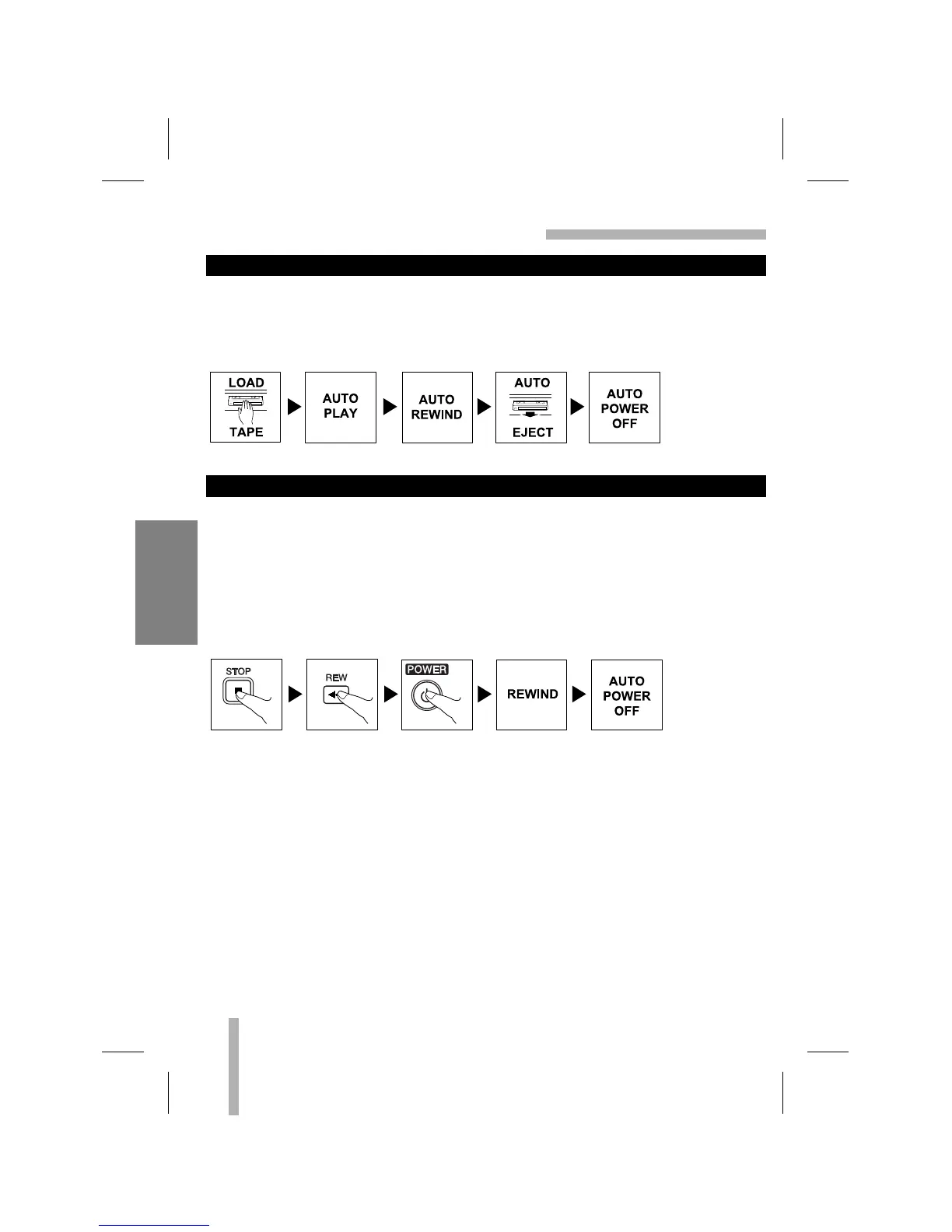
This VCR features full automatic playback and rewind.
Load a cassette (with the safety tab removed).
• The power turns on automatically and playback begins.
• At the end of the tape, the VCR stops, then rewinds.
• The cassette is ejected after rewinding and the VCR turns itself off automatically.
This feature is especially helpful when you finish watching a tape. Press STOP, REW, and
POWER. The VCR will rewind the tape and turn itself off automatically.
1. Press STOP when you finish watching a tape.
2. Press REW to rewind the tape.
3. Press POWER during the REWIND mode, the VCR will enter the AUTO POWER SHUT-
OFF mode.
4. REW will flash on the VCR indicator panel.
5. After tape is rewound, VCR will turn off automatically.
AUTO POWER SHUT-OFF FUNCTION
AUTO PLAY SYSTEM



 To Next Page