30
RECORDING
DUBBING AND EDITING
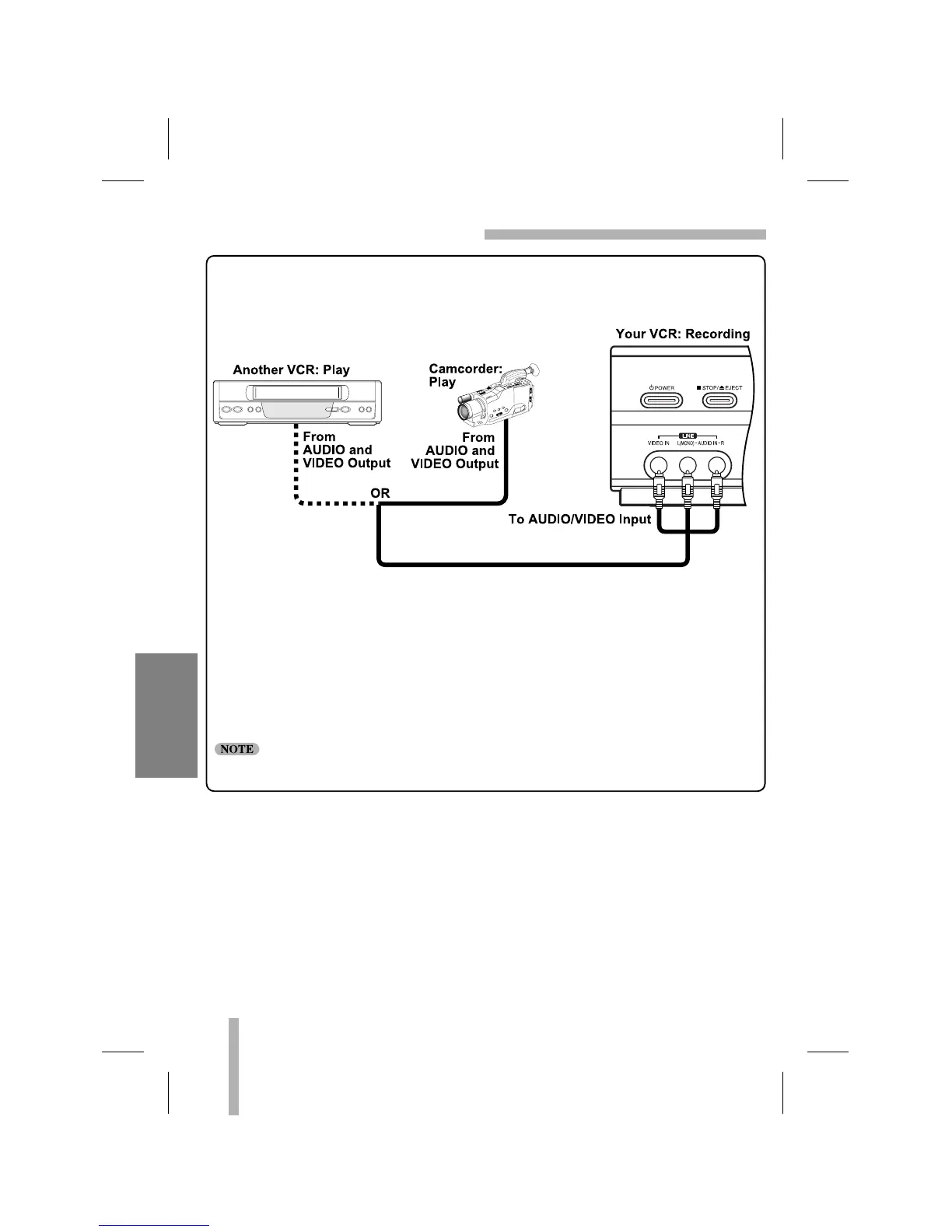
1. Connect the camcorder’s (or another VCR’s) A/V outputs to the VCR’s front A/V inputs as
illustrated above.
2. Select the input channel “AV” by using INPUT.
3. Play the tape in the camcorder (or another VCR). If you have a TV connected to your
VCR, you can see the video playing.
4. When you desire recording to begin, press VCR’s REC/ITR once to start.
Before recording, please confirm the recording start position.
If you wish to edit or dub your camcorder (or another VCR) recordings to this VCR, the front
panel mounted Audio and Video (A/V) input jacks make the connections quick and easy. The
direct A/V jacks will also provide better picture results than using the RF jack on the rear
panel.



 To Next Page