TIMER RECORDING
26
This VCR can be programmed to record up to 8 programs
within a period of 1 year. For unattended recording, the timer
needs to know the channels to be recorded and the starting and
ending times.
PREPARATION
• Turn on the power of both the VCR and the TV.
• Tune the TV to the VCR output channel (CH 3 or 4).
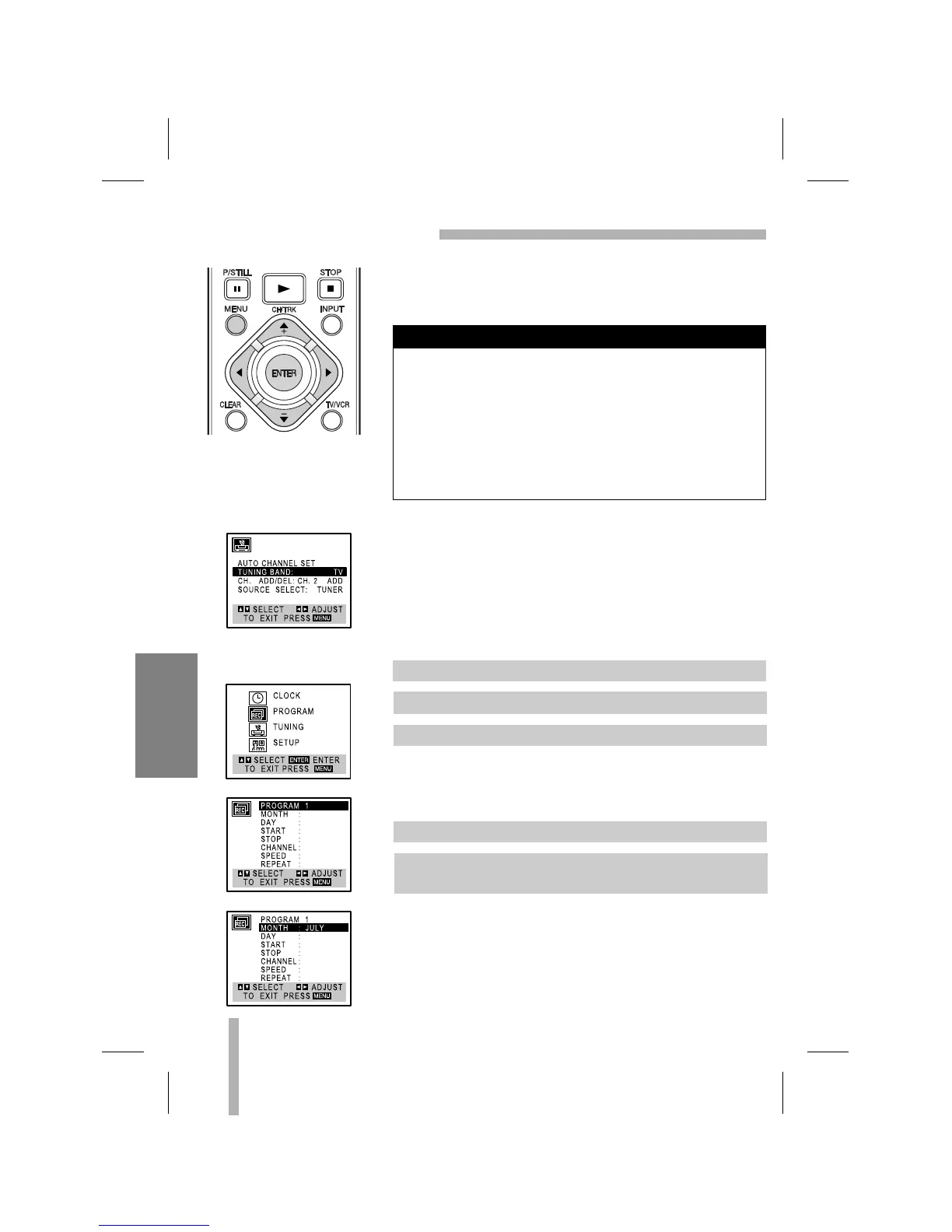
• Make sure the TUNING BAND in the TUNING menu is set
appropriately (TV or CATV) (see illustration left).
The PROGRAM menu will appear.
• If all programs have already been entered, FULLY
PROGRAMMED message will appear for a moment and then
PROGRAM 1 will appear on the TV screen.
Example JULY.
• If you try to set the program timer before setting the clock,
PLEASE SET THE CLOCK appears for a moment and then
CLOCK menu appears on the TV screen. Set the time and
date before proceeding.
• The display contents will be automatically replaced by TV
programs after 3 minutes.
• Make sure a tape is in the VCR and the safety tab is in place
or the tape will be automatically ejected.
MAIN MENU
TUNING MENU
1. Press MENU and the MAIN menu will appear.
2. Use
DD
or
EE
to choose the PROGRAM menu.
3. Press ENTER to go to the PROGRAM menu.
4. Use
FF
or
GG
to choose the PROGRAM No. (1-8).
5. Use
EE
to choose the MONTH option.
Use
FF
or
GG
to choose the desired month.
Things to know before starting
RECORDING



 To Next Page