23
PLAYBACK
SPECIAL EFFECTS PLAYBACK
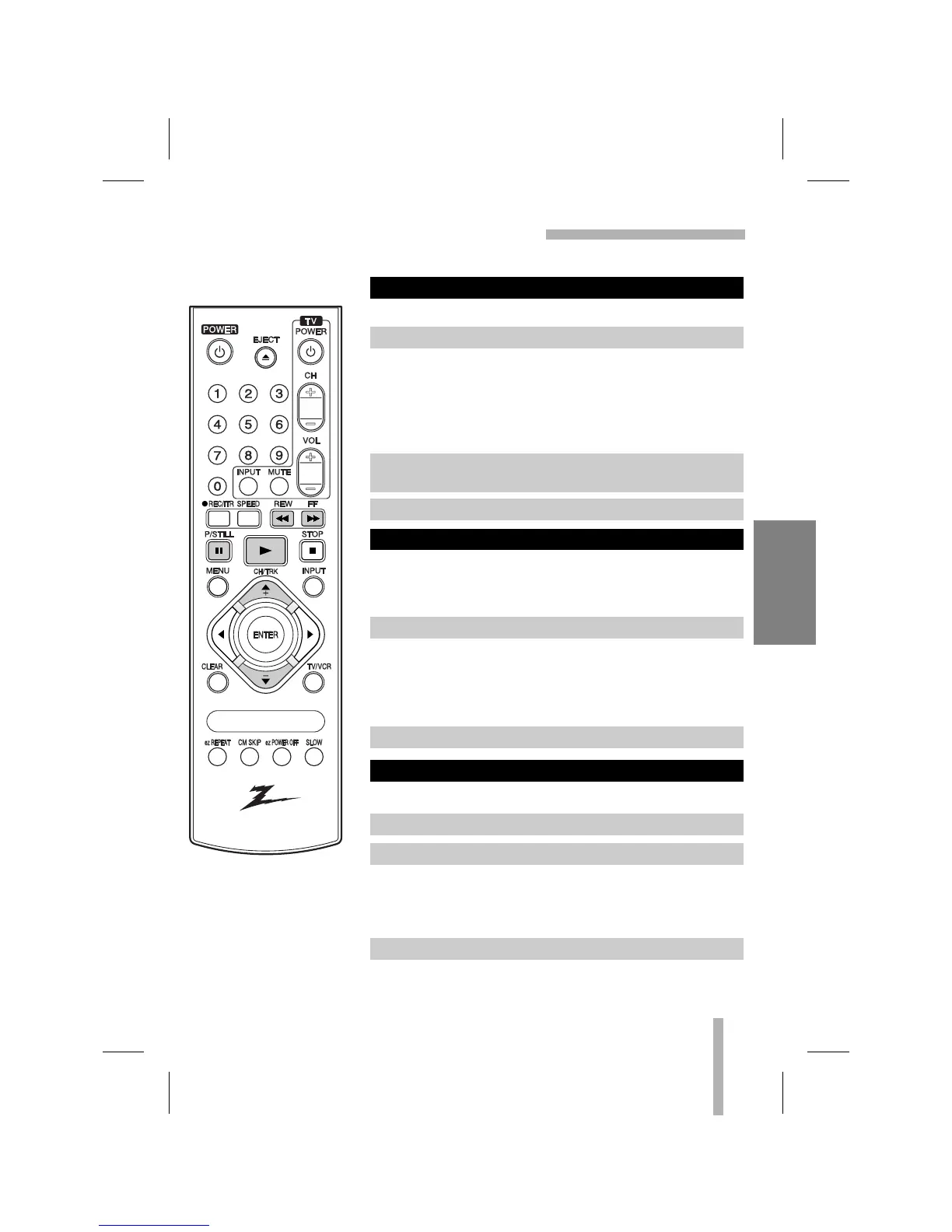
These special effects are available during playback.
During PLAYBACK mode...
Still picture will appear on the TV screen.
• If a still picture vibrates vertically, stabilize it by pressing
CH/TRK (
DD
/
EE
) on the remote control.
• If the VCR is left in the STILL mode for more than 5 minutes,
the VCR will automatically enter the STOP mode to protect
the tape and video heads.
This function lets you quickly and visually search for a desired
tape section in either direction: forward or reverse.
During PLAYBACK mode...
The VCR will be activated in the SEARCH mode and CUE or
REV will appear on the VCR indicator panel.
• If the VCR is left in the SEARCH mode for more than 3 min-
utes, the VCR will automatically enter the PLAY mode, to
protect the tape and video heads.
The VCR must be in the STOP Mode.
Visual search (Cue/Review) begins so you can check what is on
the tape.
• The CUE or REVIEW mode will continue until the FF or REW
button is released.
LOGIC SEARCH FUNCTION
VISUAL SEARCH FUNCTION
TO WATCH A STILL (or Frame Advance) PICTURE
1. Press P/STILL.
3. To continue normal playback, press N (PLAY).
1. Press desired search button (FF or REW).
2. To continue normal playback, press N (PLAY).
2. Press P/STILL repeatedly to advance the video picture one
frame at a time while viewing a still picture.
1. Press FF or REW once. Fast winding begins.
2. Press and hold FF or REW again.
3. When released, Fast Forward or Rewinding resumes.



 To Next Page