3
CONTENTSFEATURES
INTRODUCTION
Features/Contents/Accessories . . . . . . . . . . . . . . . . . .3
Important Safety Instructions . . . . . . . . . . . . . . . . . . . .4
VCR Features Chart . . . . . . . . . . . . . . . . . . . . . . . . . .5
VCR SETUP
Connections for Your VCR . . . . . . . . . . . . . . . . . . . .6-7
Control Names and Locations . . . . . . . . . . . . . . . .8-10
Remote Control . . . . . . . . . . . . . . . . . . . . . . . . . .11-12
Onscreen Display (OSD) . . . . . . . . . . . . . . . . . . . . . .13
Setting the Onscreen Menus . . . . . . . . . . . . . . . . . . .14
Setup Menu Features and Operation . . . . . . . . . . . . .15
Channel/Source Selection . . . . . . . . . . . . . . . . . .16-17
Viewing TV Only . . . . . . . . . . . . . . . . . . . . . . . . . . . .17
Video Cassette Tapes . . . . . . . . . . . . . . . . . . . . . . . .18
Setting the Clock . . . . . . . . . . . . . . . . . . . . . . . . .19-20
PLAYBACK
Normal Playback . . . . . . . . . . . . . . . . . . . . . . . . .21-22
Special Effects Playback . . . . . . . . . . . . . . . . . . .23-24
RECORDING
Normal Recording . . . . . . . . . . . . . . . . . . . . . . . . . . .25
Timer Recording . . . . . . . . . . . . . . . . . . . . . . . . . .26-28
Instant Timer Recording . . . . . . . . . . . . . . . . . . . . . .29
Dubbing and Editing . . . . . . . . . . . . . . . . . . . . . . . . .30
ADDITIONAL INFORMATION
EZ Functions . . . . . . . . . . . . . . . . . . . . . . . . . . . . . . .31
VHS Hi-Fi Stereo System/MTS Broadcast . . . . . .32-33
Tape Counter Memory Feature . . . . . . . . . . . . . . . . .34
Editing a Recording . . . . . . . . . . . . . . . . . . . . . . . . . .35
Operating Hints . . . . . . . . . . . . . . . . . . . . . . . . . . . . .35
Video Head Cleaning . . . . . . . . . . . . . . . . . . . . . . . .35
Controlling Your TV with the Supplied Remote . . . . . .36
Troubleshooting . . . . . . . . . . . . . . . . . . . . . . . . . . . .37
Specifications . . . . . . . . . . . . . . . . . . . . . . . . . . . . . .38
Note . . . . . . . . . . . . . . . . . . . . . . . . . . . . . . . . . . . . .39
Warranty . . . . . . . . . . . . . . . . . . . . . . . . . . .Back Cover
• Auto Clock Set System
• Energy Save Function
• MTS Hi-Fi Stereo
•1 Year/8 Event Timer with
DAILY and WEEKLY
Functions
• Auto Power and Playback
Functions
• Instant Timer Recording
• Real-Time Tape Counter,
Tape Remaining Time
• Clean Still, Slow, Frame
Advance, Commercial Skip
• Auto Tracking Function/Auto
Head Cleaner
• Onscreen Function Display
•Trilingual Onscreen
Programming Menus
(English/Spanish/French)
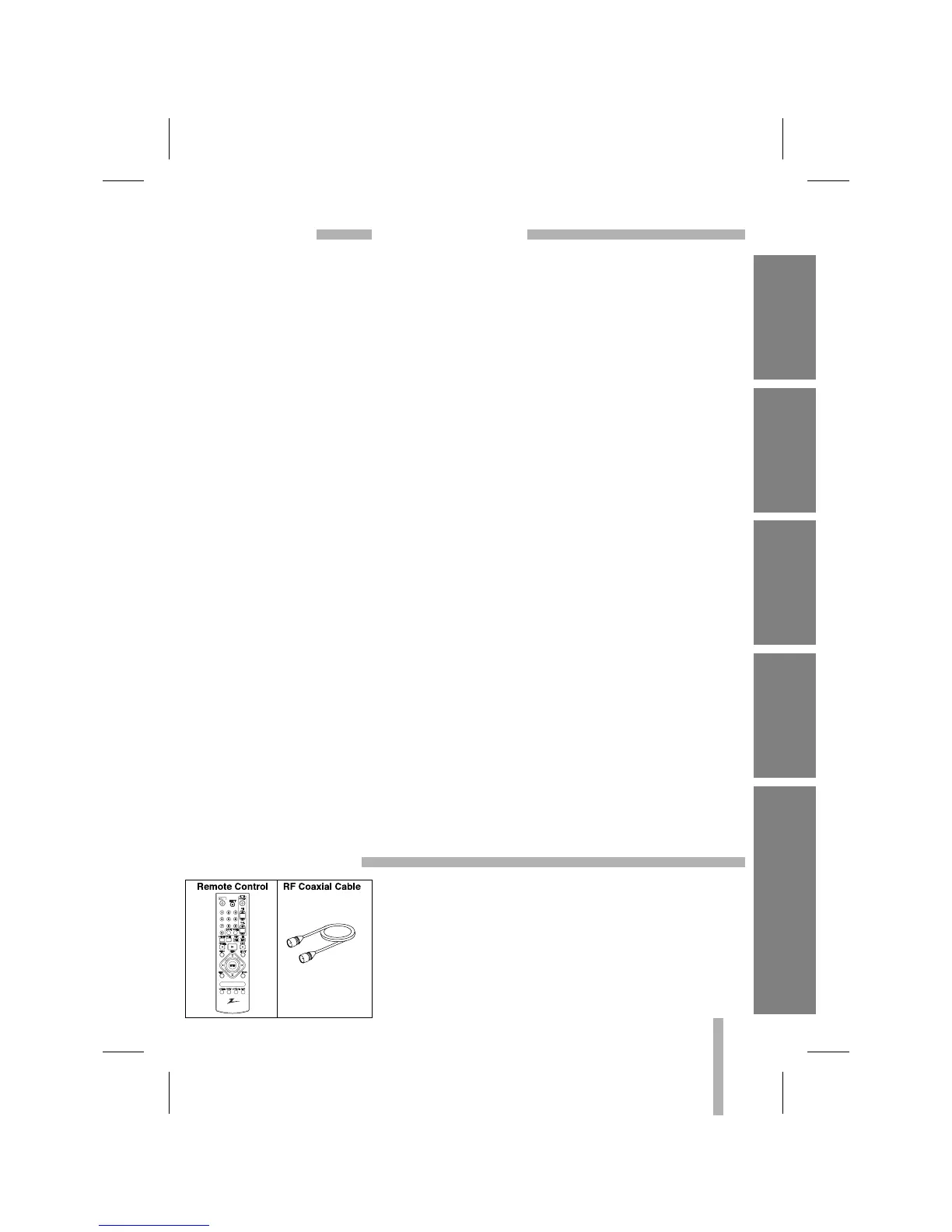
Check to make sure that all accessories listed left have been
included with your VCR.
•
Depending on your antenna system, you may need a different
type of Combiner (Mixer) or Separator (Splitter). These are avail-
able at most electronics stores. For further details, see your near-
est authorized service center.
ACCESSORIES
INTRODUCTION
VCR SETUP PLAYBACK
RECORDING ADDITIONAL INFORMATION



 To Next Page