In case of selecting the latter, an additional parameter (“Value”) will be
displayed to enter the desired one-byte value (0 - 255).
Action on Long press [Send 0/Send 1/Toggle 0/1/Send 1-byte value]: sets
the value to be sent to the bus (through “[Btn] [In] Two switches - Long
press”) when the user long-presses the button.
LED illumination control [State dependent/ Regular /Dedicated object]:
analogous to the homonymous parameter for the “Disabled”, “Binary” and
“Hold & Release” functions (see previous pages).
Selecting “State dependent” brings an additional parameter, “LED
Illumination State Object”, to make the state of the LED correspond either
to object “[Btn] [In] Two switches - Short press” (“Short Press Object”) or to
object “[Btn] [In] Two switches - Long press” (“Long Press Object”).
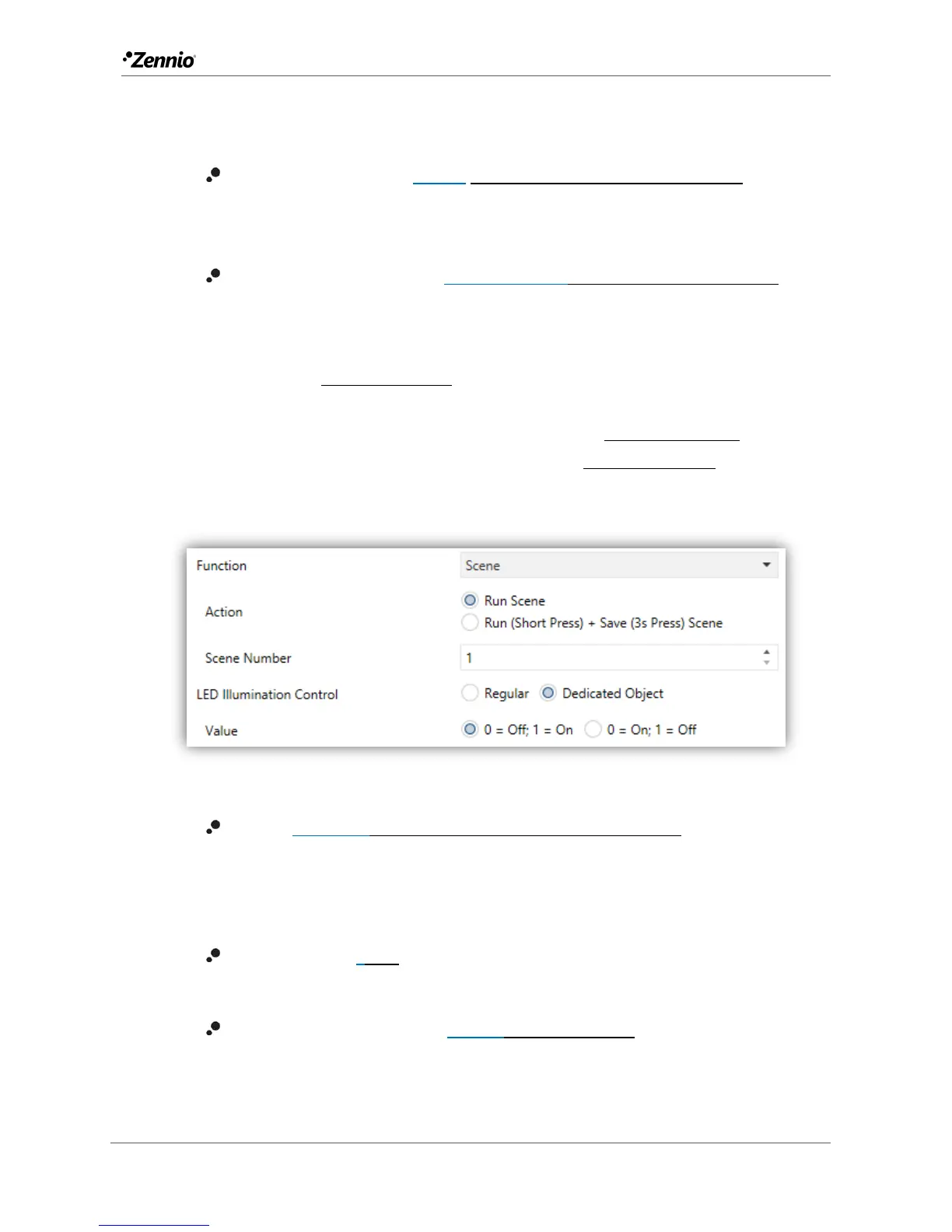
Scene
Figure 21 Individual Button - Scene.
Action [Run scene/Run (short press) + Save (3s press) scene]: sets whether
the value to be sent to the KNX bus (through “[General] Scene: send”) when
the user touches the button will always be a scene run request or –depending
on the length of button press– a scene run or save request.
Scene number [1…64]: number of the scene to be sent to the bus, both in
the case of the run requests and the save requests.
LED illumination control [Regular/Dedicated object]: analogous to the
homonymous parameter for all the above functions (see previous pages).



 To Next Page