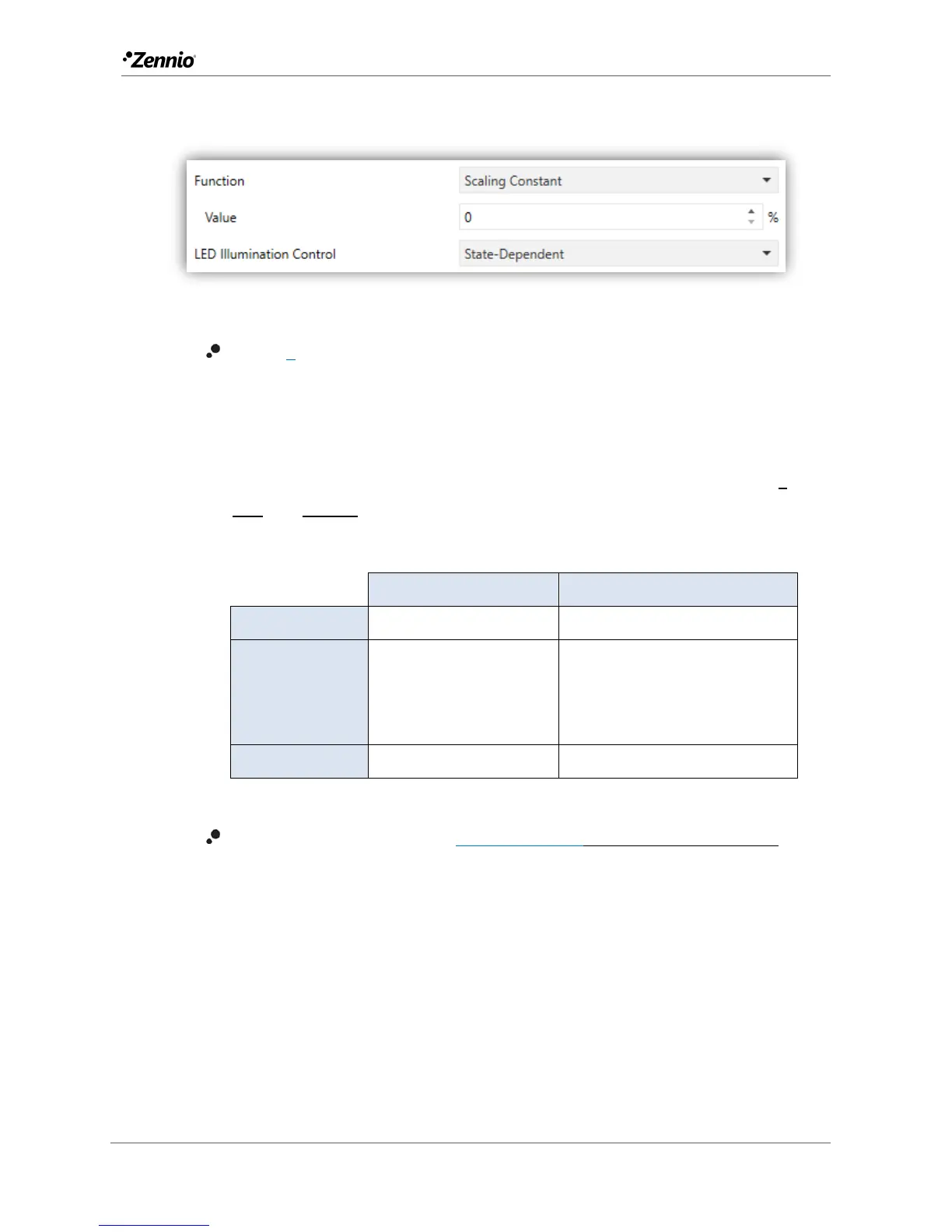
Scaling Constant / Counter Constant / Float Constant
Figure 22 Individual Button - Scaling Constant
Value [0]: sets the value to be sent to the KNX bus when the user touches
the button. The available range and the object through which the value is sent
depend for each case, as the table below shows.
In case of selecting Counter Constant, two specific parameters (“Size” and
“Signed”) will be displayed to respectively define the size of the constant (“1
byte” or “2 bytes”) and whether it is a signed value or an unsigned value.
Depending on that, the range and the name of the object will vary.
[Btn] [In] Counter – 1-Byte unsigned
[Btn] [In] Counter – 1-Byte Signed
[Btn] [In] Counter – 2-Byte Unsigned
[Btn] [In] Counter – 2-Byte Signed
Table 3 Constant type numerical control
LED illumination control [State dependent/Regular/Dedicated object]:
analogous to the homonymous parameter for all the above functions (see
previous pages).



 To Next Page