SpeedFace M4 User Manual
Page | 46 Copyright©2021ZKTECO CO., LTD. All rights reserved.
Menu Descriptions
Manual Date and
Time
Set the data and time manually, and then click Confirm to save.
Automatic Date
and Time
Automatically determine the time and date of the main interface. You must set
the NTP server address, automatically determine the time and date, and select
the time zone to take effect.
24-Hour Time
Enable or disable this format. If enabled, then select the Date Format to set the
date format i.e., the way date should be displayed on the device.
Date Format
Select the date display format.
Daylight Saving
Time
Click Daylight Saving Time to enable or disable the function. If enabled, click
Daylight Saving Mode to select a daylight-saving mode and then click Daylight
Saving Setup to set the switch time.
When restoring the factory settings, the time (24-hour) and date format (YYYY-MM-DD) can be restored,
but the device date and time cannot be restored.
Note: For example, the user sets the time of the device (18:35 on March 15, 2020) to 18:30 on January 1,
2021. After restoring the factory settings, the time of the device will change to 18:30, January 1, 2021.
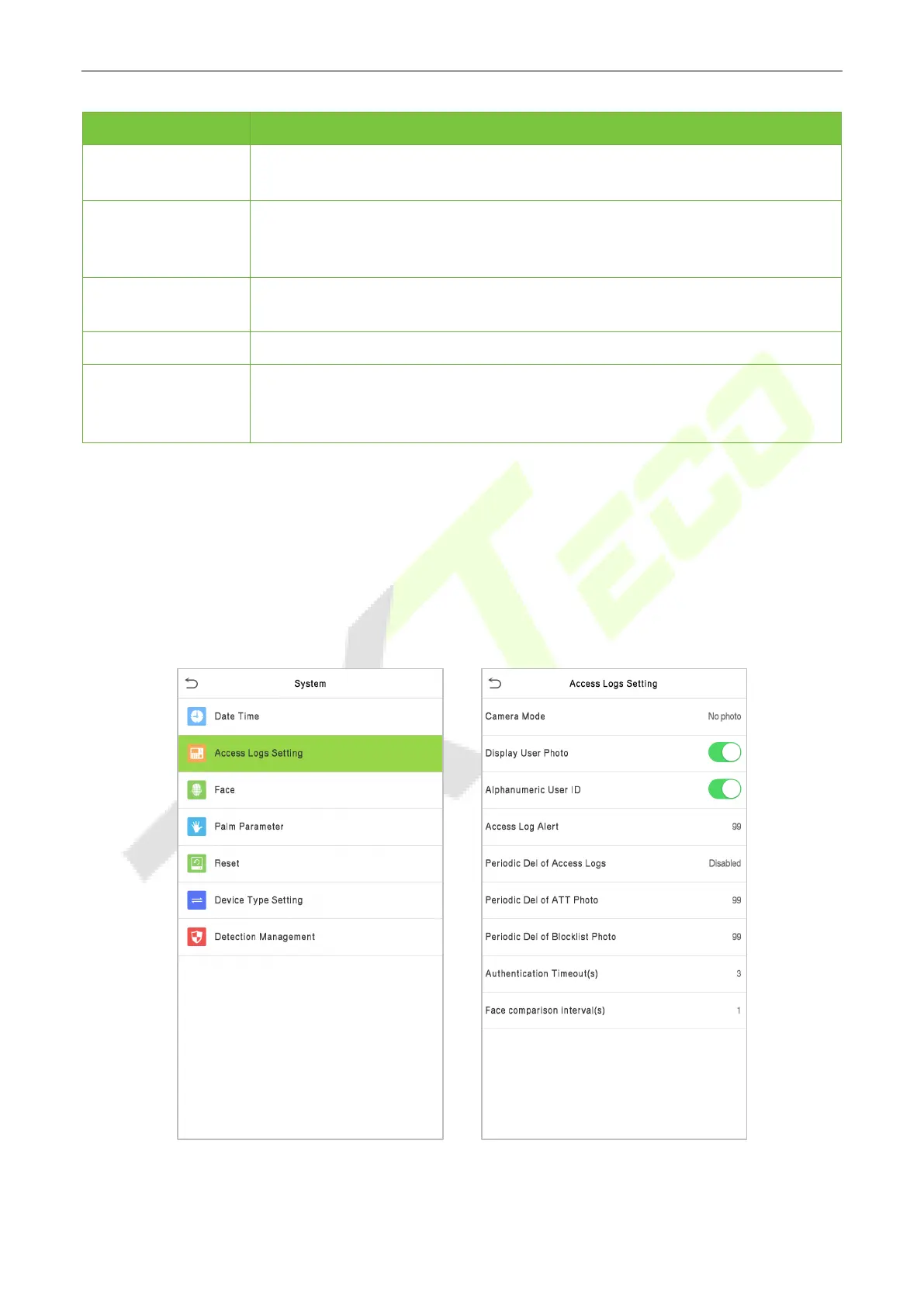
6.2 Attendance Parameters
Click Attendance on the System interface.



 To Next Page