25
5.3 I Advanced seng parameters (accessible by a qualied technician)
Qualied technicians have a password allowing them access to all the sengs listed in the following
table. The sengs which are accessible without a password are listed in § “5.3 I Advanced seng
parameters (accessible by a qualied technician)”.
5.3.1 Modifying an advanced sengs value
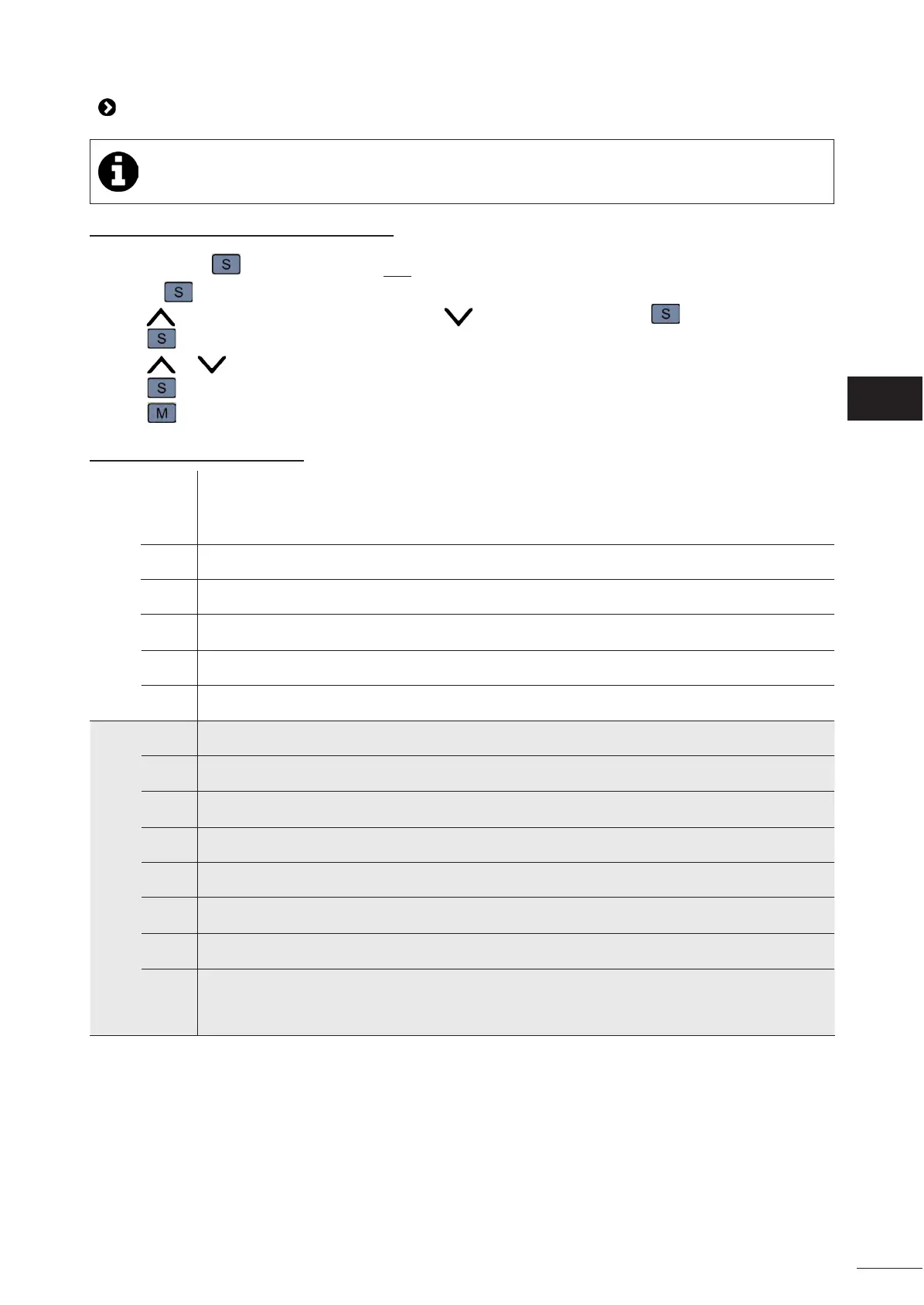
• Press and hold for 10 seconds unl two warning beeps sound.
• Release : "PAS" is displayed on the screen.
• Press to enter the programmed password or to change each digit, and to go to the next digit.
• Press to select the seng and to adjust it.
• Press or to change the value.
• Press to save the value.
• Press to exit the sengs menu.
5.3.2 List of advanced sengs
Code Seng Accepted values
Factory
sengs
TEMPERATURE
F12
Temperature dierenal (in °C) 1 - 10 1
F13
Maximum temperature setpoint (in °C) 30 - 100 40
F14
Minimum temperature setpoint (in °C) 1 - 29 20
F15
Temperature dierenal in Heang/
Cooling mode (in °C)
0 - 20 1
F19
Password (installer) 0 - 999 -
F20
Password (manufacturer) 0 - 999 -
COMPRESSOR
F21
Compressor delay me (min) 1 - 10 5
F22
Compressor phase protecon
0: unprotected phase
1: protected phase
1
F24
Number of compressors
1: 1 compressor
2: 2 compressors
Depending on
model
F25
Water ow switch delay me (min) 0 -100 1
F26
Lower operang temperature limit -12 - 10 -12
F27
Lower temperature limit of fan at low
speed (in °C)
-10 - 30 -10
F28
Upper temperature limit of fan at low
speed (in °C)
35 - 100 44
F29
Operang mode acvated
0: Heang/Cooling mode
1: Heang mode
2: Cooling mode
3: Choice of mode
3


 To Next Page