16 17
Effect Types and Parameters
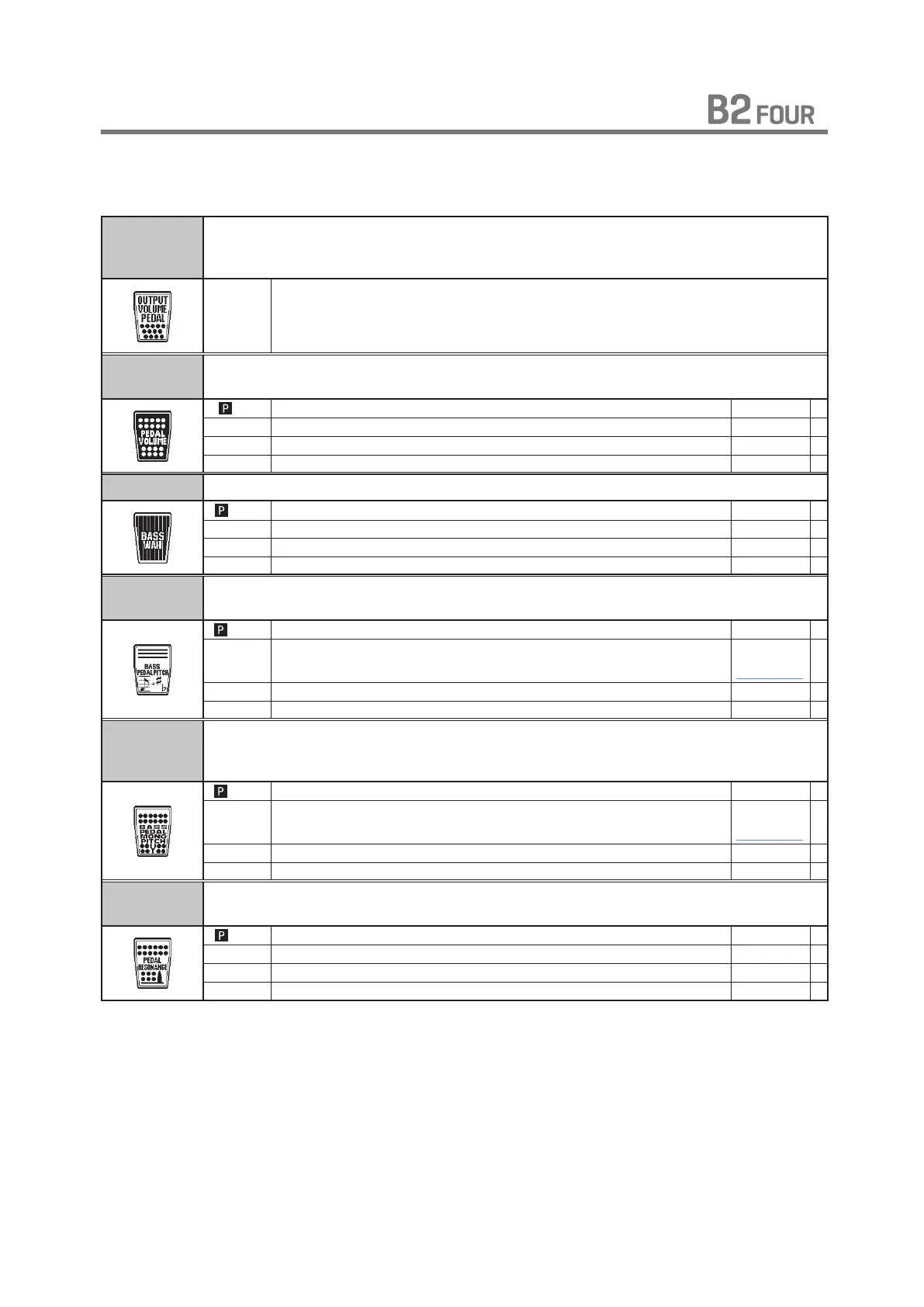
[ PEDAL ]
OUTPUT
VOLUME
PEDAL
This controls the product output level. This volume will be kept even when the patch
memory is changed.
- -
PEDAL
VOLUME
The volume curve of the volume pedal can be set.
VOL Adjusts the volume. 0 – 100 P
MIN Adjusts the volume when the pedal is at minimum position. 0 – 100
MAX Adjusts the volume when the pedal is at maximum position. 0 – 100
CURVE Sets the volume curve. A, B
BASS WAH This is a pedal wah effect for bass guitar.
FREQ Adjusts the emphasized frequency. 0 – 100 P
RANGE Adjusts the frequency range processed by the effect. 0 – 100
DRY Adjusts the volume of the unaffected sound. 0 – 100
VOL Adjusts the volume. 0 – 100
BASS PEDAL
PITCH
Use an expression pedal to change the pitch in real time with this effect.
BEND Sets the amount of pitch shift. 0 – 100 P
COLOR Sets the type of pitch change control with the expression pedal.
+1 OCT -
DWN/OCT
( See Table 2 )
TONE Adjusts the tone. 0 – 10
MODE
Sets the sound style. UP, DOWN
BASS PEDAL
MONO
PITCH
This is a pitch shifter specially for monophonic sound (single-note playing), which
allows the pitch to be shifted in real time with the expression pedal.
BEND Sets the amount of pitch shift. 0 – 100 P
COLOR Sets the type of pitch change control with the expression pedal.
+1 OCT -
DWN/OCT
( See Table 2 )
TONE Adjusts the tone. 0 – 10
MODE
Sets the sound style. UP, DOWN
PEDAL
RESONANCE
Pedal wah with a strong character.
FREQ Adjusts the emphasized frequency. 1 – 50 P
RESO Sets effect resonance. 0 – 10
DRY Adjusts the volume of the unaffected sound. 0 – 100
VOL
Adjusts the volume. 0 – 100



 To Next Page