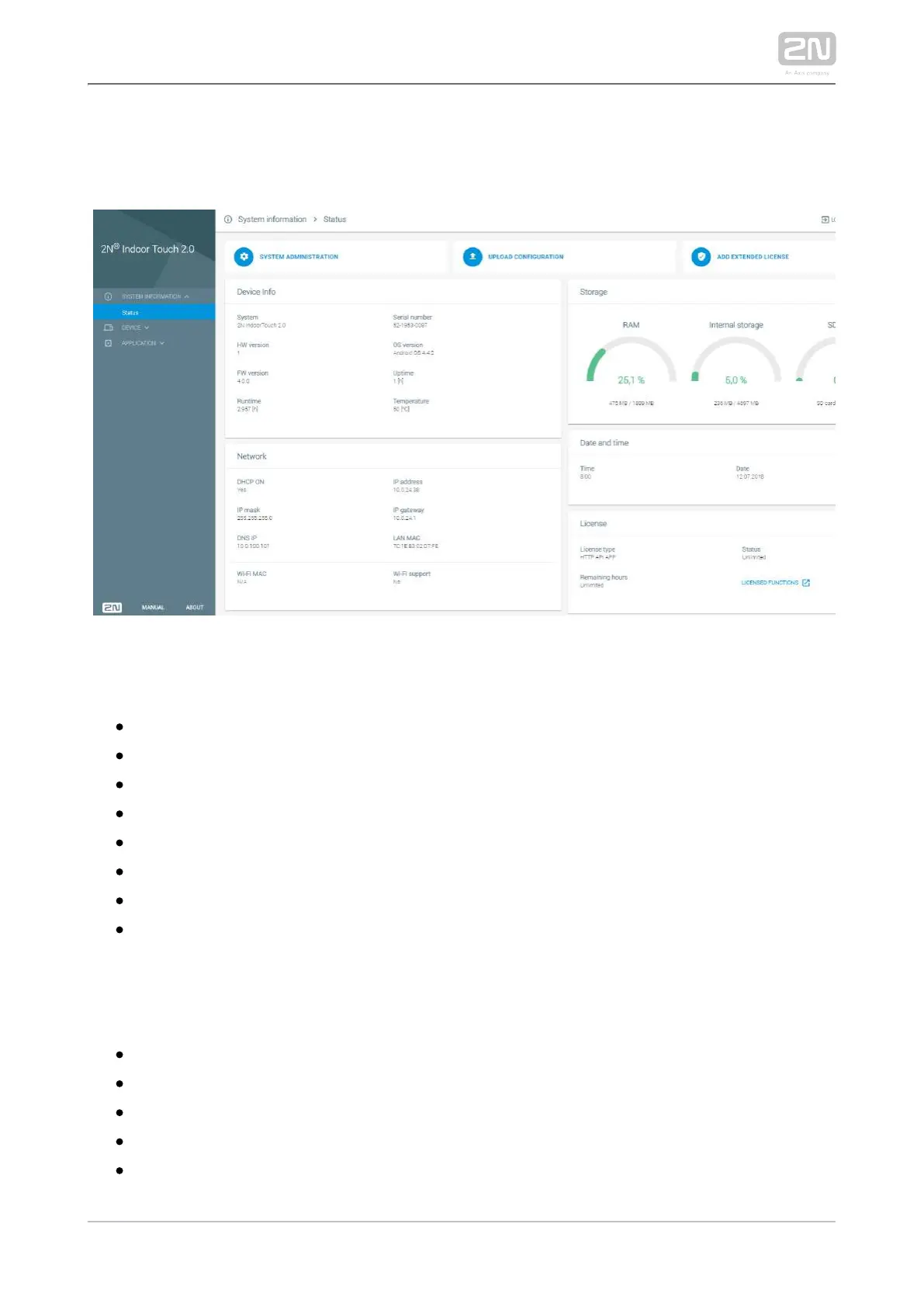
5.2.1 Status
The Status screen displays a list of basic parameters.
Information on Device
– device nameSystem
– device HW board versionHW version
– device firmware versionFW version
– total time since the first startupUp time
Serial number – device serial number
– operating system version and typeOS version
– time that passed since the last restartTime since last restart
– current device temperatureTemperature
Network
– DHCP statusDHCP on
– IP mask addressIP mask
– DNS IP addressDNS IP
– Wi-Fi module MAC addressWi-Fi MAC
– IP addressIP address
– IP gateway IP addressIP gateway



 To Next Page