4.2 Application Environment and
Configuration
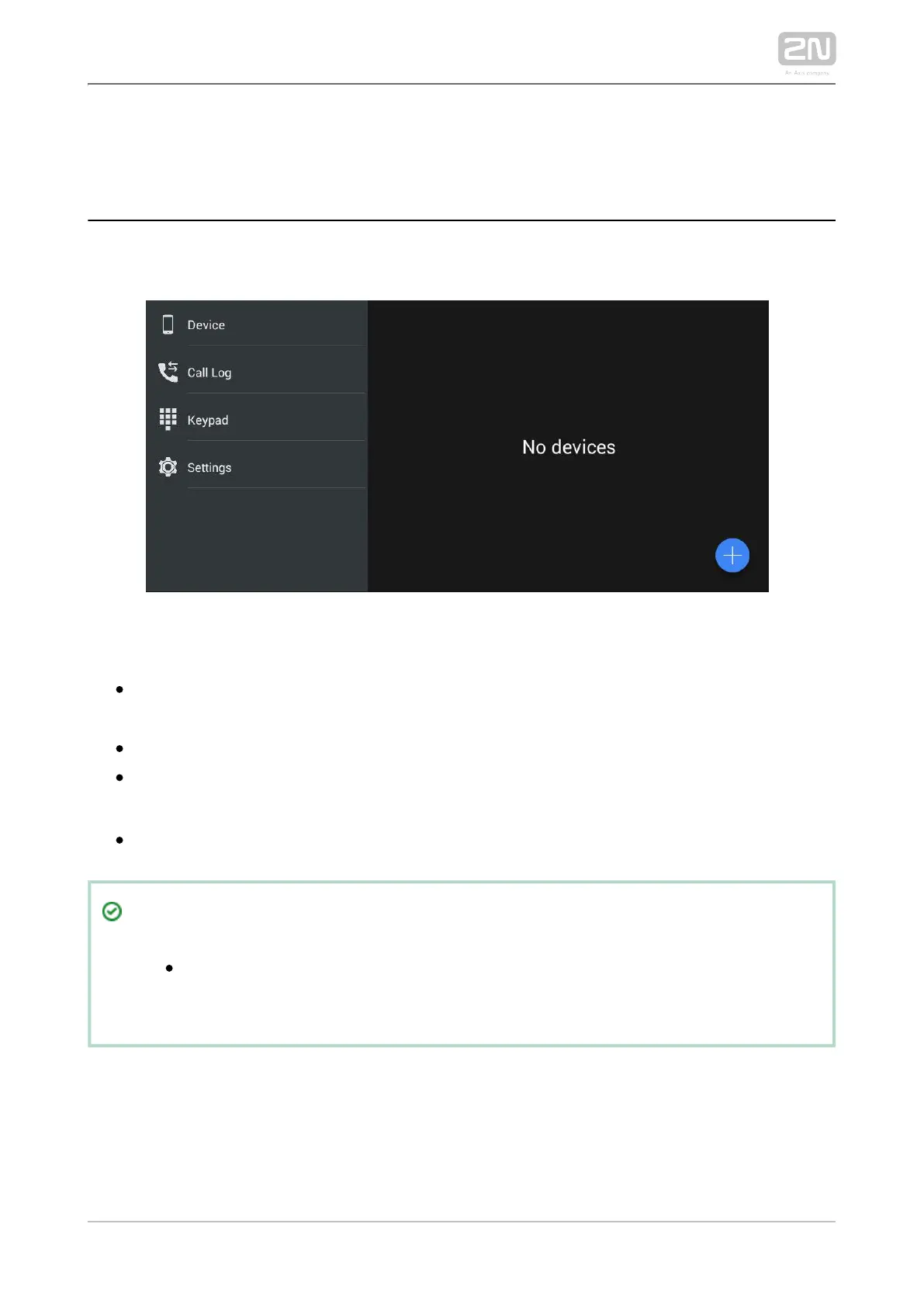
Once launched, displays the Device screen:2N IP Mobile
®
The main menu includes the following items:
– list of added devices: , ,Device 2N IP intercoms 2N IndoorTouch 2.0
®
2N
®
or, if SIP Proxy is used, any other SIP supporting device.Mobile Video
– list of all accomplished incoming/outgoing calls.Call Log
– dial a station number manually to set up a call if the application is Keypad
registered with a SIP Proxy server.
– settings.Settings 2N
®
IP Mobile
Tip
The settings are available via the 2N IP Mobile
®
2N IndoorTouch 2.0
®
configuration interface too.



 To Next Page