3.3.1.2.1 Security
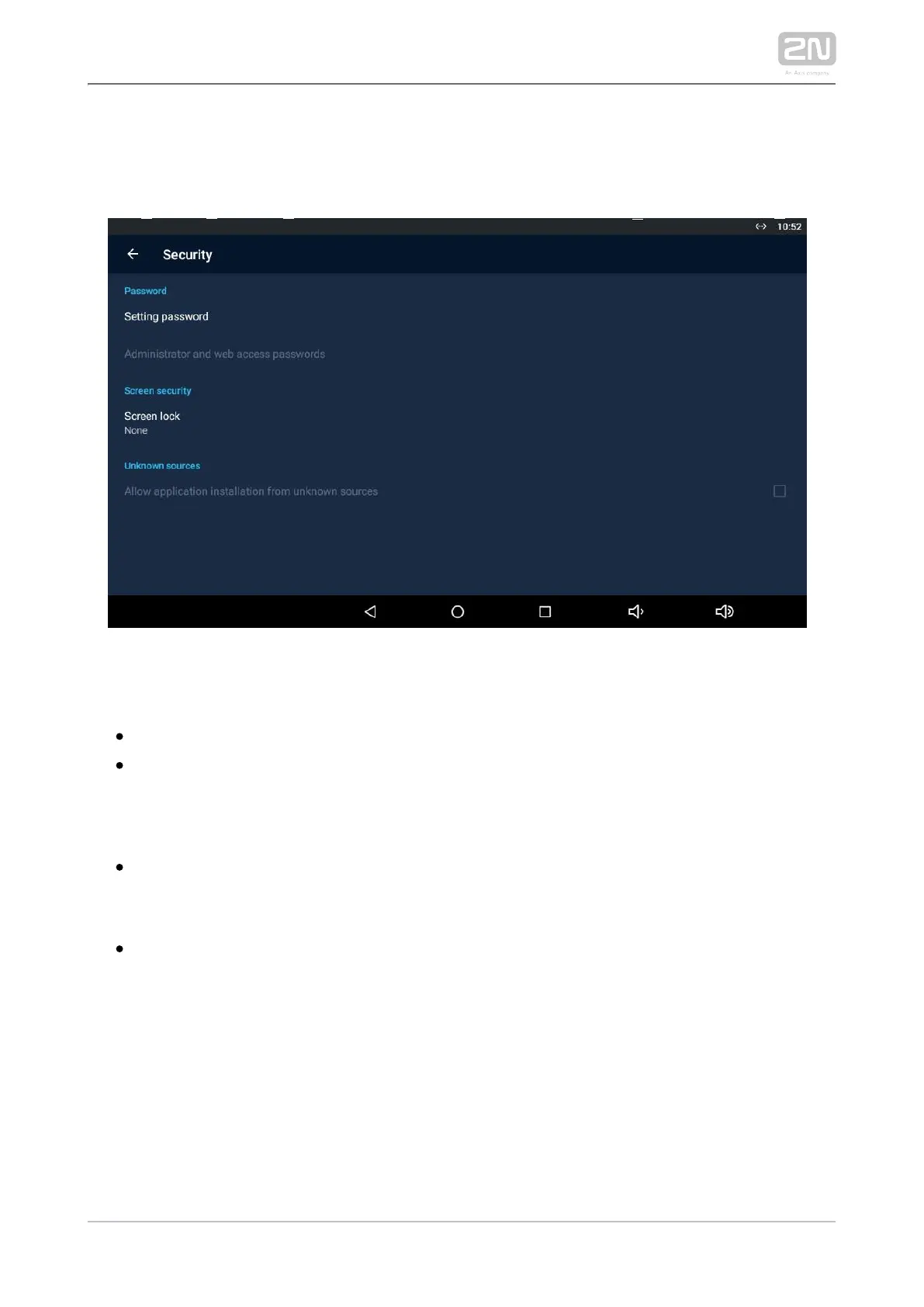
Set the device security parameters.
PASSWORD
– set the setting access password.Settings password
– set the administrator access Administrator and web access password
password.
SCREEN SECURITY
– select the screen lock type: PIN, Character or None.Screen lock
UNKNOWN SOURCES
– Allow installation of apps from unknown sources allow installation of
applications from unknown sources.



 To Next Page