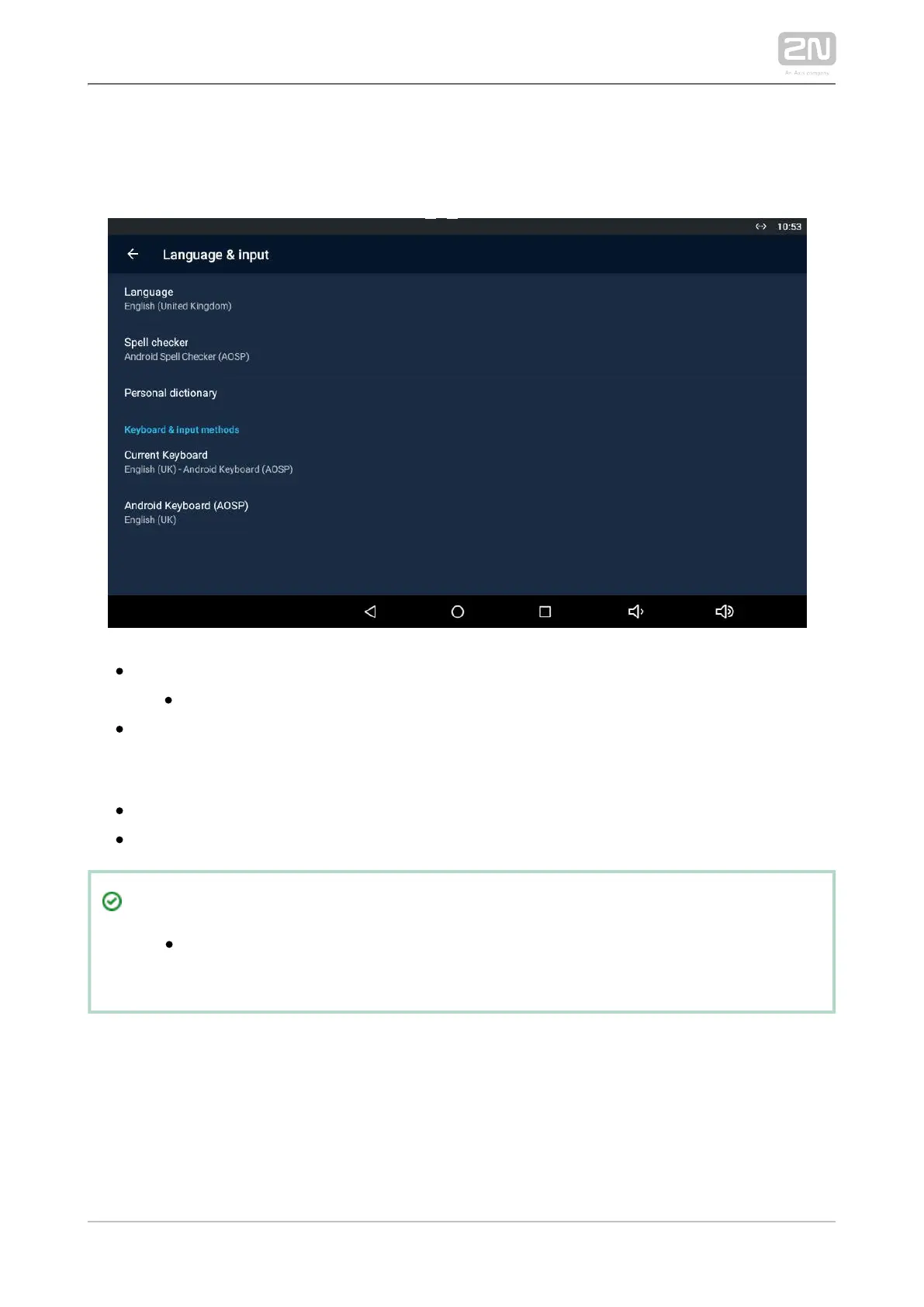
3.3.1.2.2 Language and Input Methods
Set the language parameters and text input methods.
– set the system language.Language
– enable/disable the spell checker for the defined language.Spell checker
– click Add (+) to add a word to your personal dictionary.Personal dictionary
KEYPAD & INPUT METHODS
– set the keyboard type. Current Keyboard
– set the keyboard parameters. Android Keyboard (AOSP)
Tip
Disable the display tap sound signalling in the Settings / Sound device
menu.



 To Next Page