5.3.4 Display
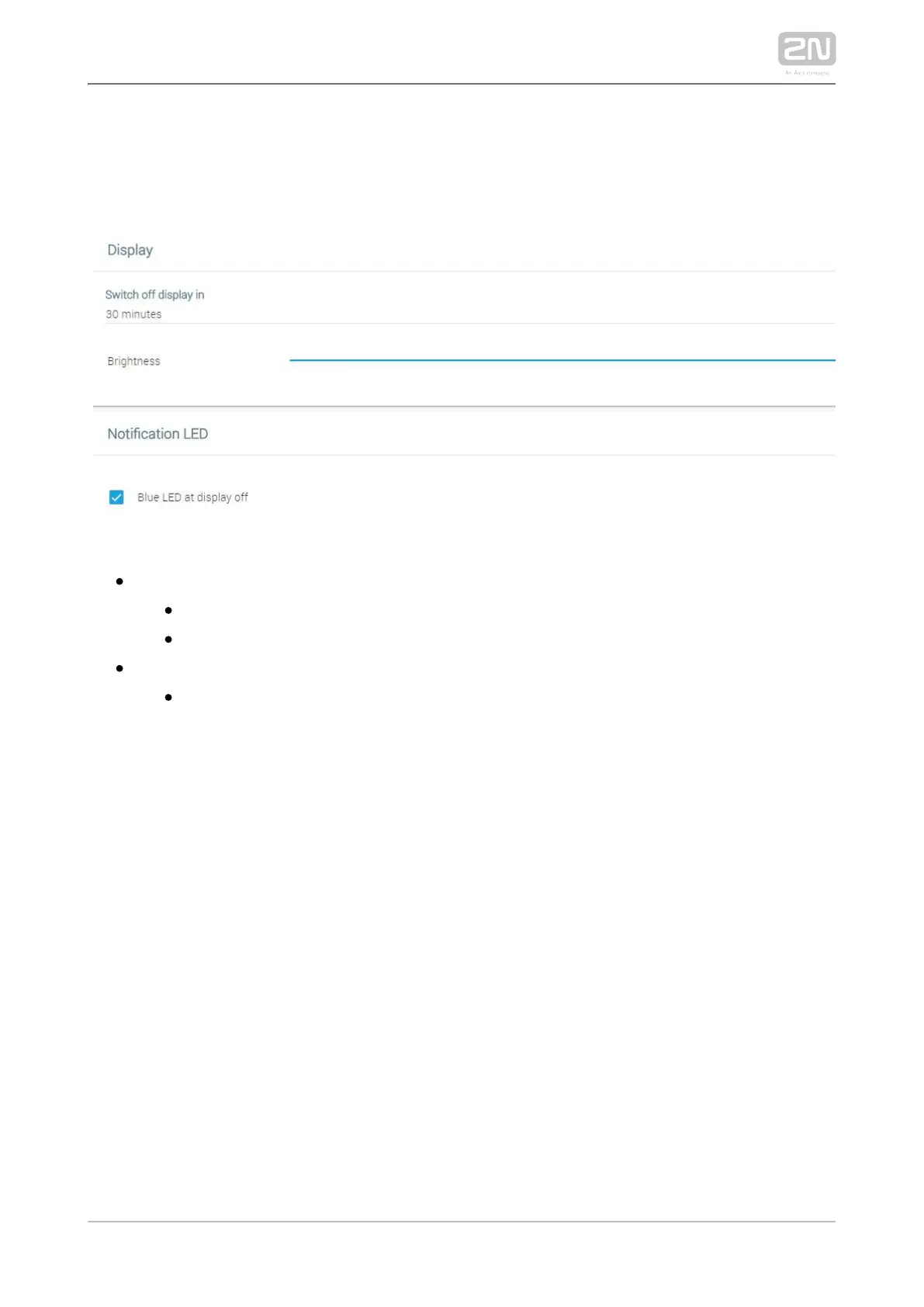
The Display tab helps you change the display turn-off and brightness as well as LED
notifications.
– display settingsDisplay
– turn off the display in 1 to 30 minutesSwitch off display in
– set the display brightness: 10–100 %Brightness
– set the LED notificationsNotification LED
– when the display turns off, the blue LED goes on. Blue LED at display off
This setting helps you identify whether your display or the device is off.



 To Next Page