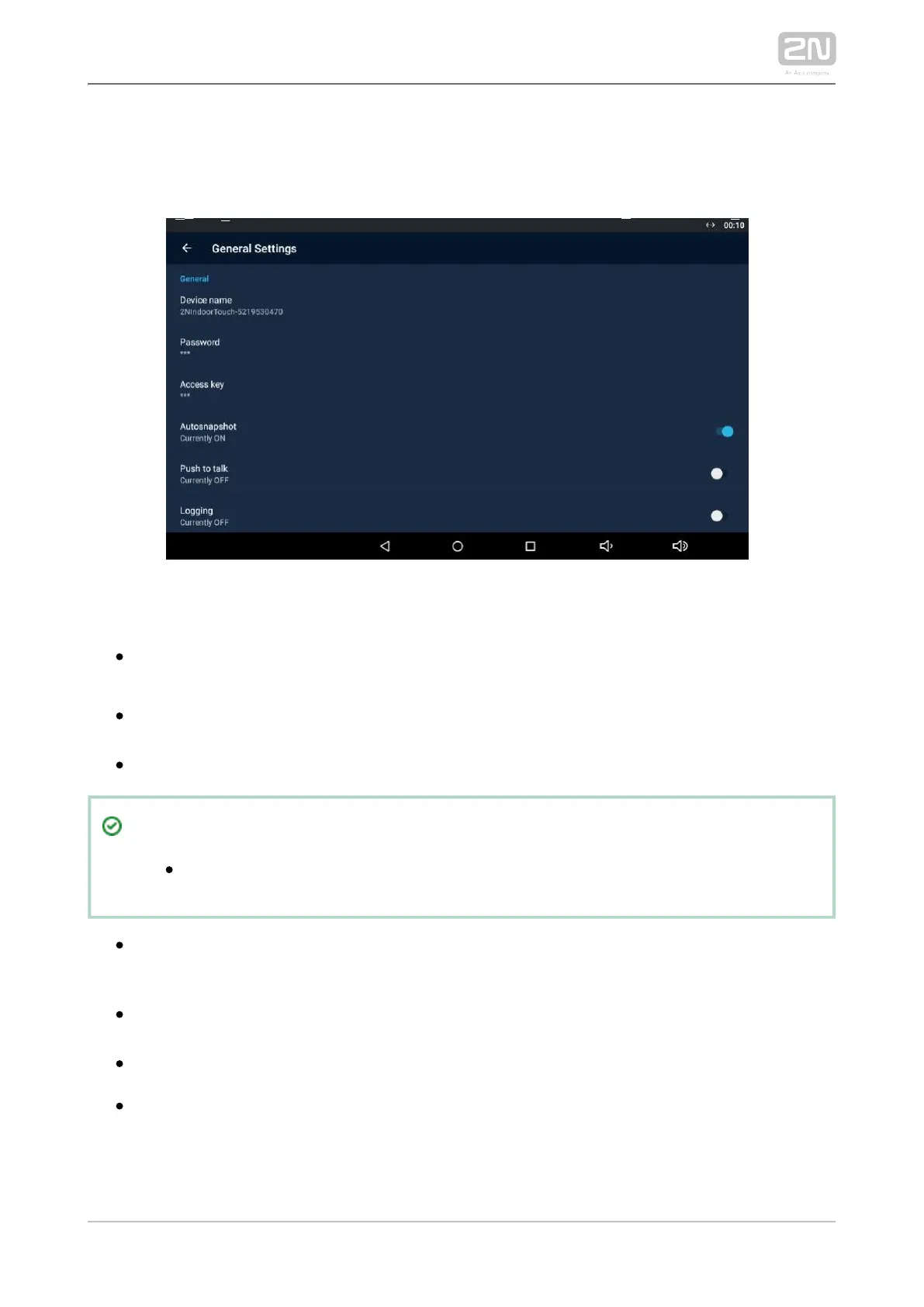
3.3.3.1 General Settings
This section helps you set the Intercoms general parameters.
GENERAL
– set the device name for identification to other Device Name 2N IP Mobile
®
LAN devices.
– set the application setting password via link click from the Password
application.
– set the authentication password.Access Key 2N IP intercom
Tip
Refer to faq.2n.cz for the instructions for use.Access key
– enable/disable to acquire an image from the Autosnapshot Autosnapshot
video preview. The image replaces the circle avatar at the added devices in the
Device and Call Log menus.
– select the communication type for one-directional half-duplex Push to Talk
communication: ON/OFF (ON by default).
– enable/disable application logging to the system log.Logging
– ON/OFF (ON by default). With ON, Multicast Discovery 2N Indoor Touch 2.0
®
sends the info packets to the network in the multicast mode. With OFF, 2N
®
sends the info packets in unicast to the IP address of the 2N IP Indoor Touch 2.0
intercom to be monitored and periodically to all the 2N IP intercoms included in



 To Next Page