3.3.2.2 Wireless & Networks
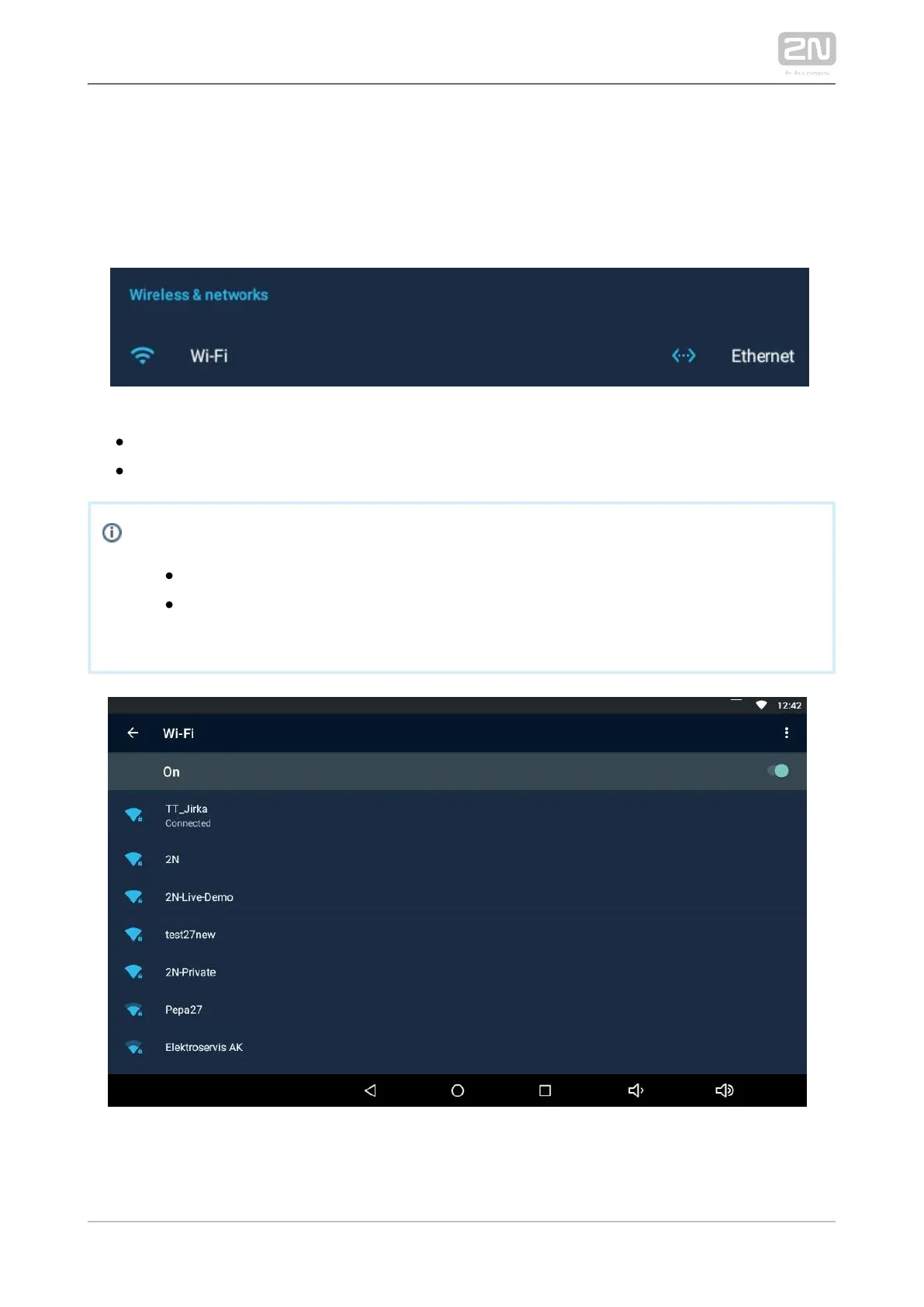
This section helps you set the network connection parameters. Connection can be set
via the Ethernet or Wi-Fi (depending on the Part No., refer to Subs. 1.2 Differences
).between Models and Associated Products
– disable/enable the Wi-Fi connection.Wi-Fi
– disable/enable the Ethernet connection.Ethernet
Note
Ethernet connection cannot be used together with Wi-Fi.
By disabling the Ethernet connection you do not switch off the device
when PoE is used.
The Wi-Fi section displays the list of available Wi-Fi networks.



 To Next Page