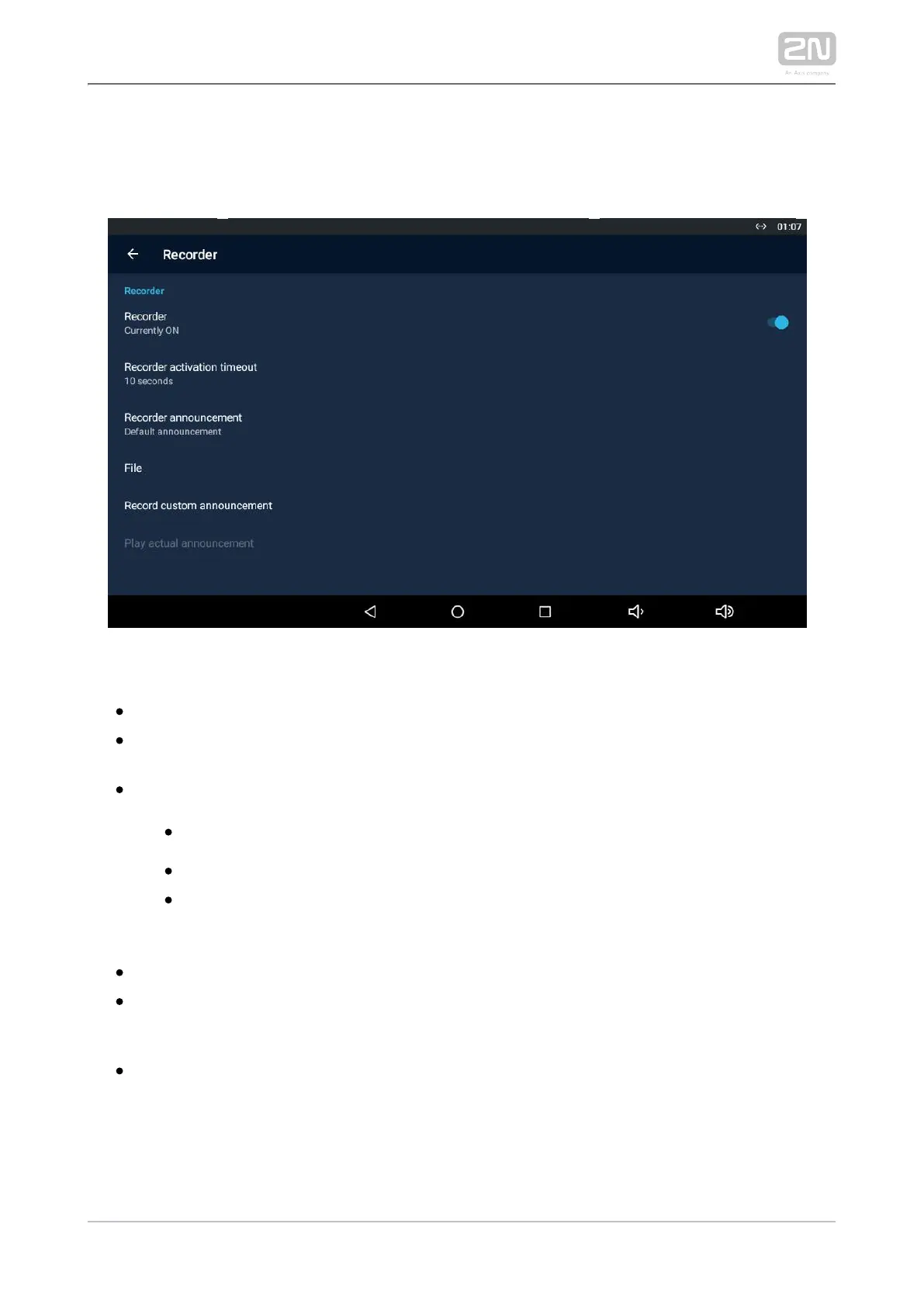
3.3.3.5 Recorder
This section helps you set the recorder parameters.
RECORDER
– enable/disable the recorder function.Recorder
– the recorder is activated after the set incoming Recorder activation timeout
ringing timeout elapses.
– set the announcement to be played.Recorder announcement
– part of the package.Default announcement 2N IP Mobile
®
– select an announcement from a file.Announcement from file
– select an announcement loaded in the Load Recorded announcement
user announcement section of .2N IP Mobile
®
– display the file directory structure.File
– use this function to load an announcement of Record custom announcement
your own to be played by the recorder. The supported format is .wav, 15 MB,
shortened to 15 s, PCM8/PCM16.
– play the currently set and active announcement.Play current announcement



 To Next Page