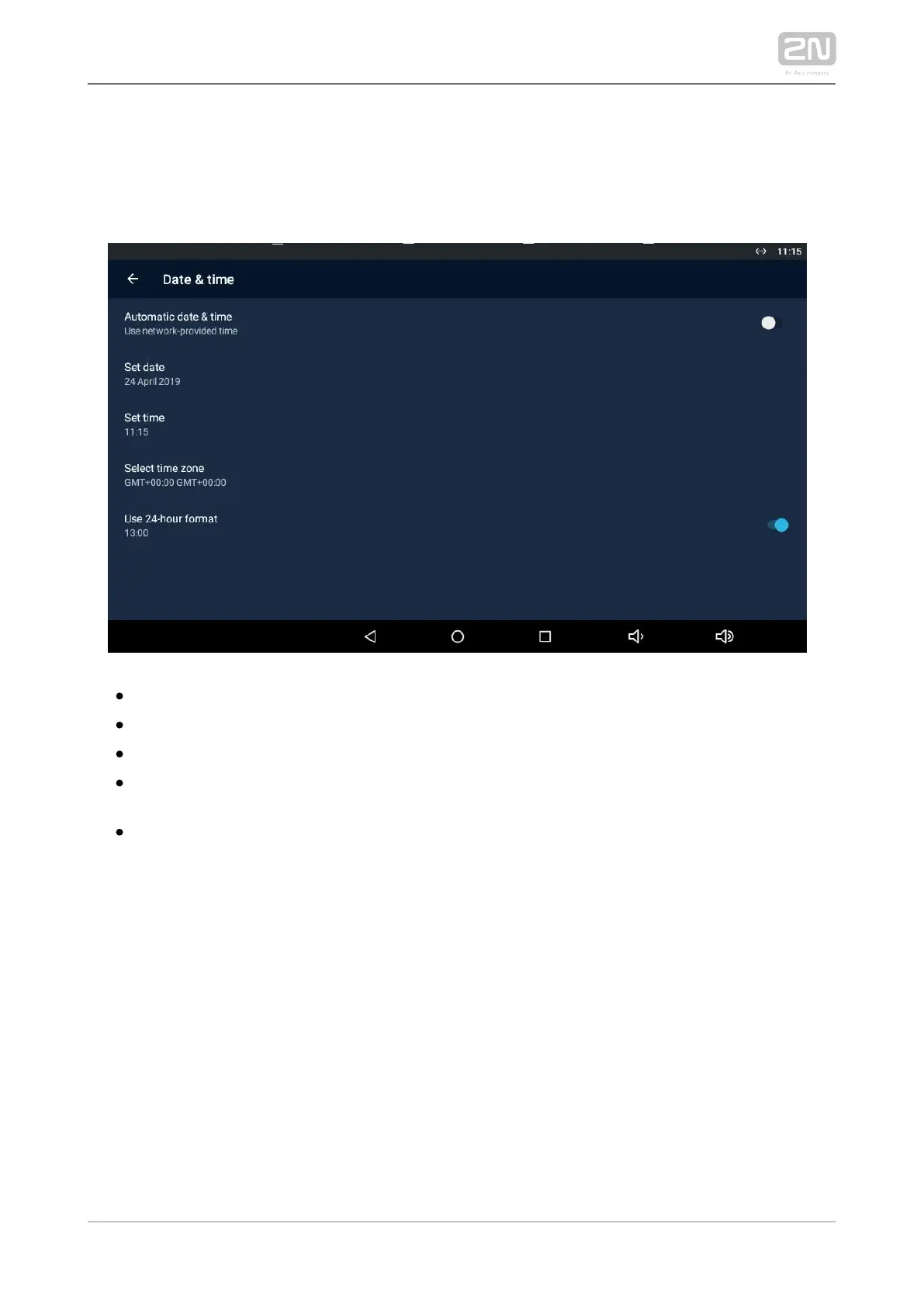
3.3.1.3.1 Date & Time
This section helps you set the device date and time parameters. Set the time, time
format and time zone.
– activate the use of date and time from the network.Automatic date & time
– set the date manually if Automatic date & time date is disabled.Set date
– set the time manually if Automatic date & time time is disabled.Set time
– set the time zone for the installation site to include the time Select time zone
shift and summer/winter time transition.
– display the 24-hour format. If disabled, the 12-hour format Use 24-hour format
is displayed including the a.m./p.m. information.



 To Next Page