3.2 Home Screen
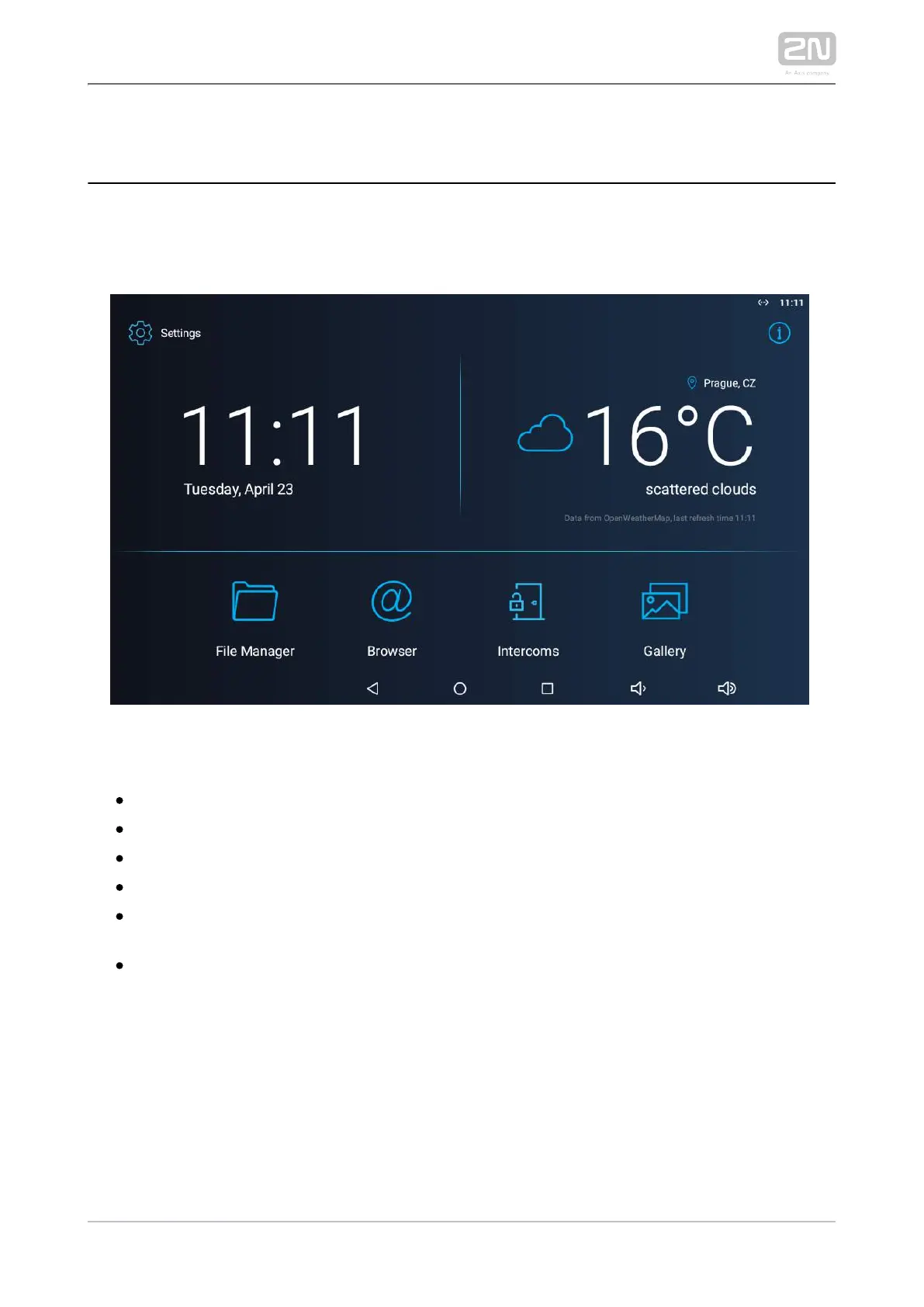
The Home Screen is divided into three subsections: Current time and date, Weather
widget and five configurable application positions. The Setting and Information
buttons are also available here.
Factory settings:
Time/Date tiles
Weather tile
File Manager – standard file system application
Browser – Internet browser application
Intercoms – application responsible for communication of the 2N IP intercoms
with other answering units
Gallery – photo/image processing application



 To Next Page