4.2.2 Call Log
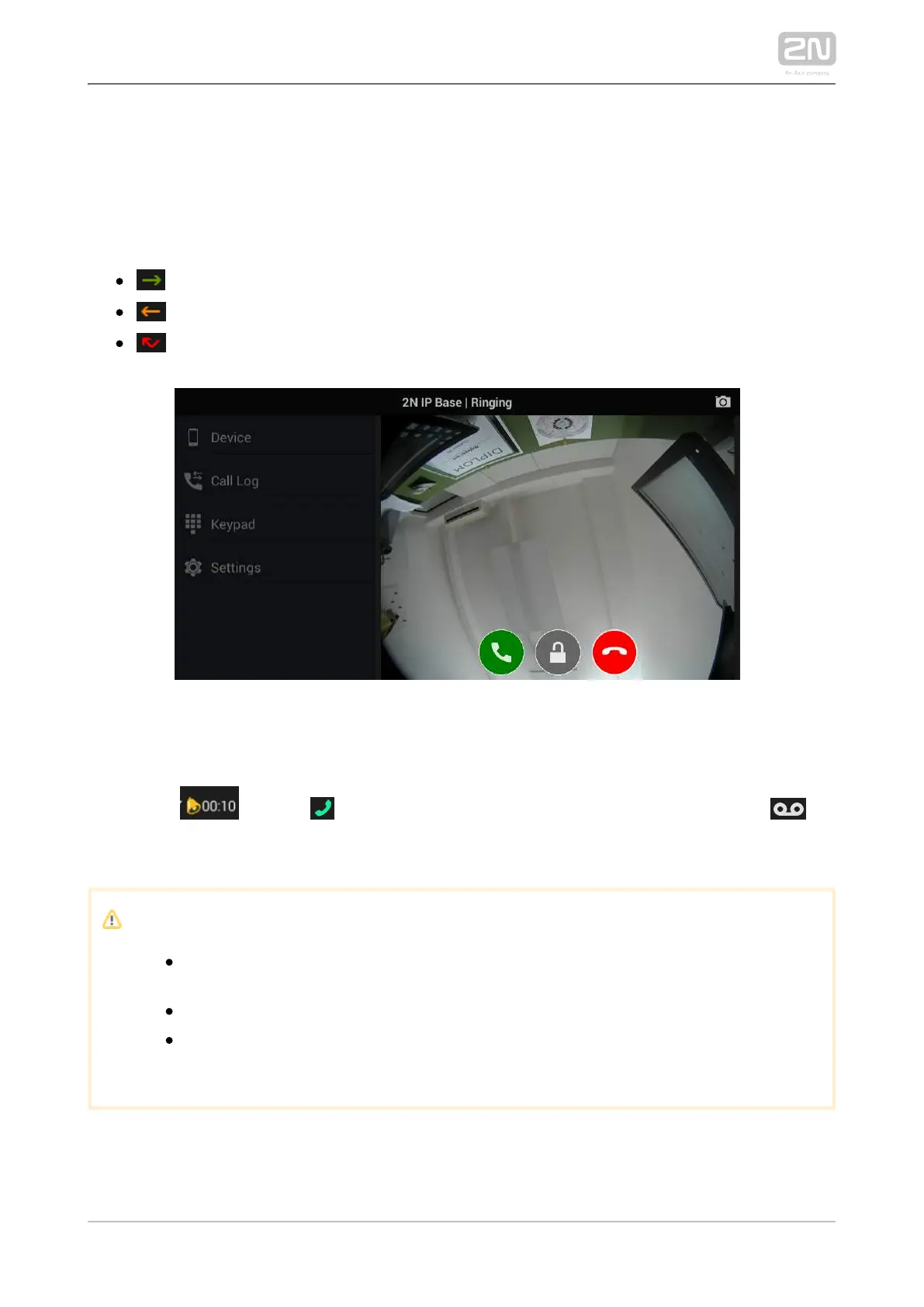
The Call Log section displays the records of outgoing/incoming calls. 2N IP Mobile
®
The following values are available:
outgoing – outgoing call
incoming – incoming call
missed – missed call
The call icon is either a snapshot from the device or an avatar. The avatar is displayed
when the Autosnapshot parameter is inactive for cameraless devices or when no
snapshot was made due to a short video preview – the ringing time is set behind the
bell icon ( ). Click to make a callback. If the recorder is active, click to
play the incoming call record. Use the trash bin in the right-hand upper corner to
delete the records.
Note
A snapshot is only made when the video stream preview is active for
about 3 seconds.
The maximum count of Call Log items is 30 records.
When the list is full, the oldest record is automatically deleted and
replaced with the latest record.



 To Next Page