3.3.2.1 Device
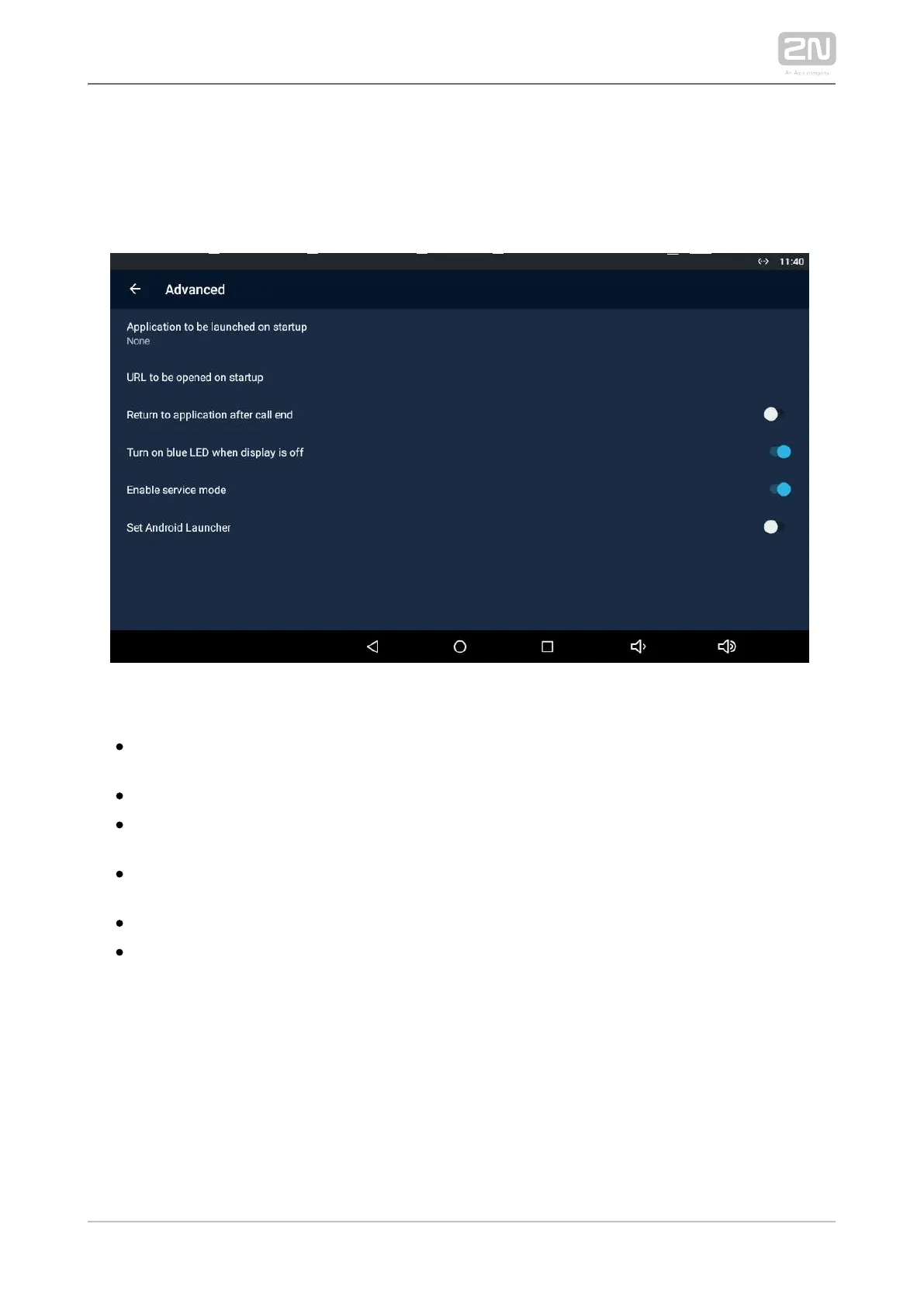
Advanced
The Advanced subsection is available in the administrator mode only.
– display the list of available applications. Application to be launched on startup
Select an application to be launched on startup.
– set the URL to be launched on startup.URL to be launched on startup
– return to the application after the call is Return to application after call end
ended.
– turn on the blue LED when the display is Turn on blue LED when display is off
off. Move to Screen.
– connect a service device to the device.Enable service mode
– set the home page to the default Android Launcher.Set Android Launcher



 To Next Page