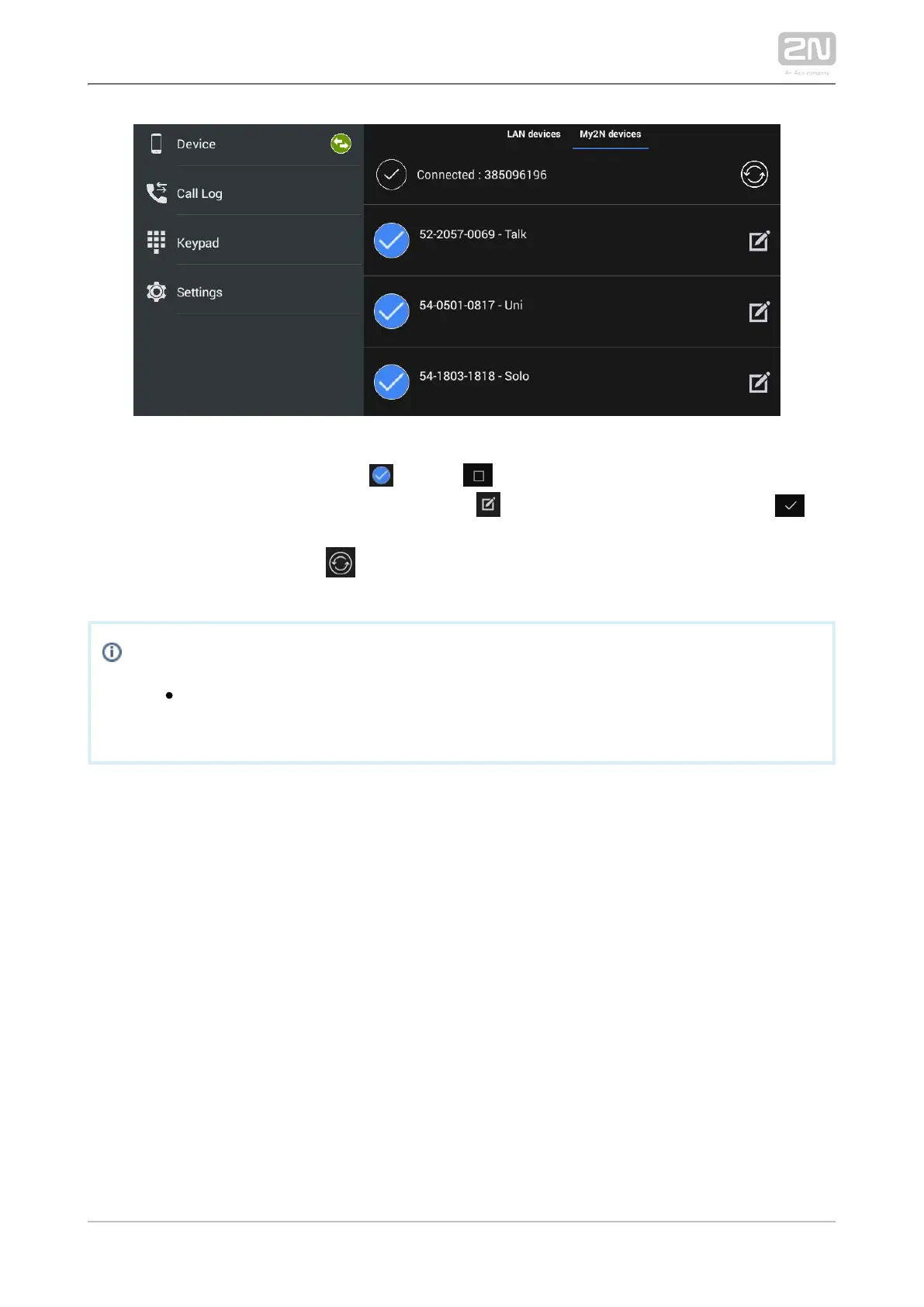
The selected device is marked . Click to the right in the application upper
toolbar to select all the devices listed. Click to edit the device name. Click to
save the selected My2N devices. The application moves to the Device menu to display
the selected devices. Press to redownload the Phonebook without relogging from
the application.
Info
You can only edit the My2N device name displayed in the application.
The name change does not affect the device name on the service web.



 To Next Page