1.
2.
3.
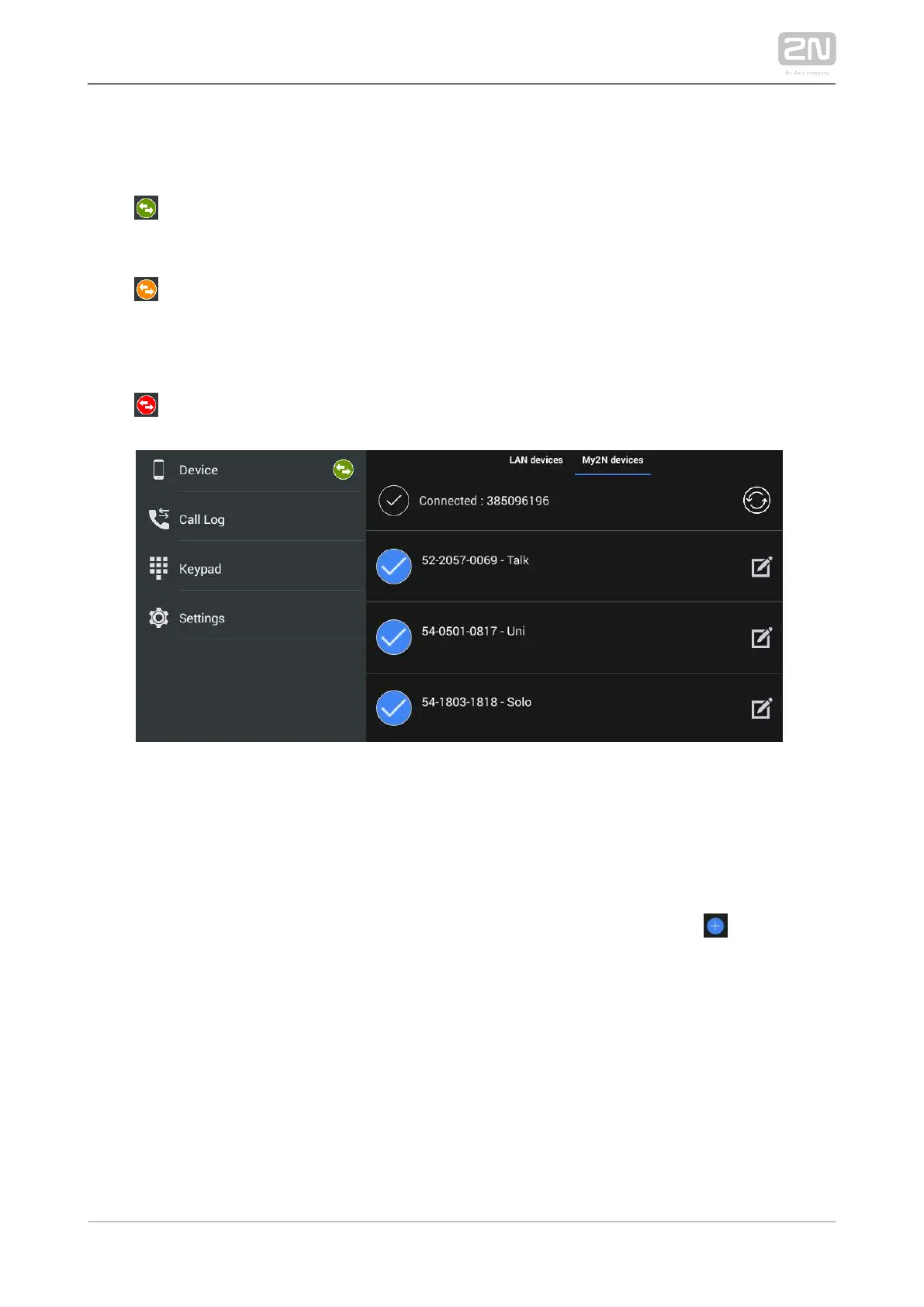
The application indicates the server connection using an icon next 2N Mobile
®
Video
to the devices tab:
– The application has successfully downloaded all the data and is registered
with a SIP Proxy server.2N Mobile
®
Video
– The application has successfully downloaded all the data and is trying to
register itself with a SIP Proxy server, yet unsuccessfully so 2N Mobile
®
Video
far.
– The application failed to connect to the servers.2N Mobile
®
Video
My2N Device Adding
Once is successfully connected to and registered with 2N IP Mobile
®
2N Mobile
®
Video
, the Phonebook download is displayed in the Device menu. You can edit the device
names or remove a device from display in the Phonebook. Again, click in the right-
hand bottom corner of the Device main window to enter the device adding mode.
Then use the tab below the application title row to switch the window to My2N
devices.



 To Next Page