Note
Make sure that a web account and one device at 2N Indoor Touch 2.0
®
least have been created to make use of the functions. 2N Mobile Video
®
Refer to faq.2n.cz for more details.
Warning
When the 30-day Trial licence expires, purchase a licence corresponding
to the count of created devices. If you fail to do so, you will not be able
to log in to and use cloud calls.2N Mobile Video
®
Connection to Service
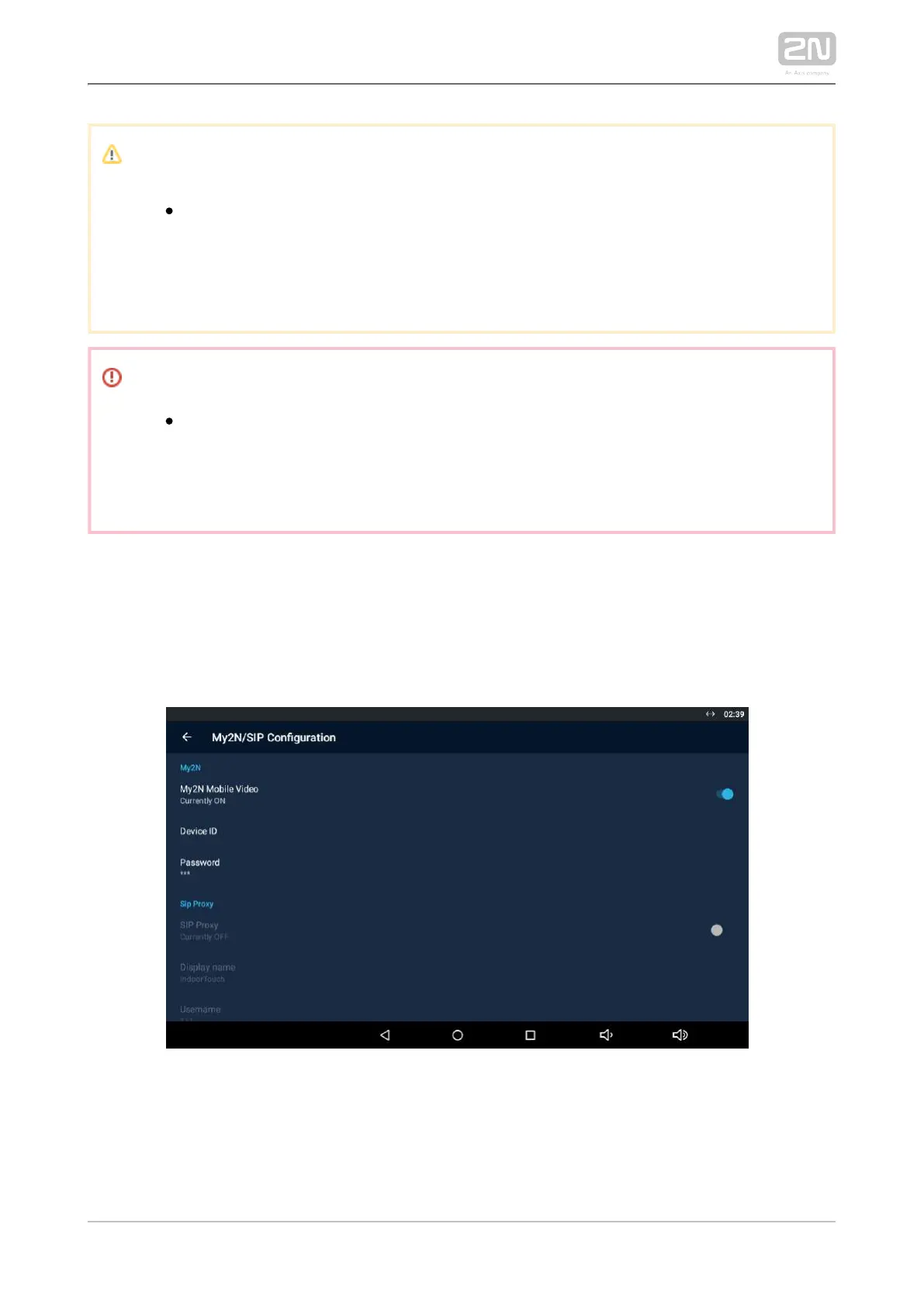
Use the application settings for connection. Find the main menu 2N Mobile
®
Video
Settings and turn the switch to Enabled to activate the My2N Mobile Video login row.
Refer to 4.2.3 Calls via 2N Mobile Video
®
for more details.
Upon login, the Phonebook (device list) set for this device on the service web is
downloaded to the application and displayed in the My2N devices, which replaces the
Proxy devices. The Phonebook is also added automatically to the Device menu.



 To Next Page