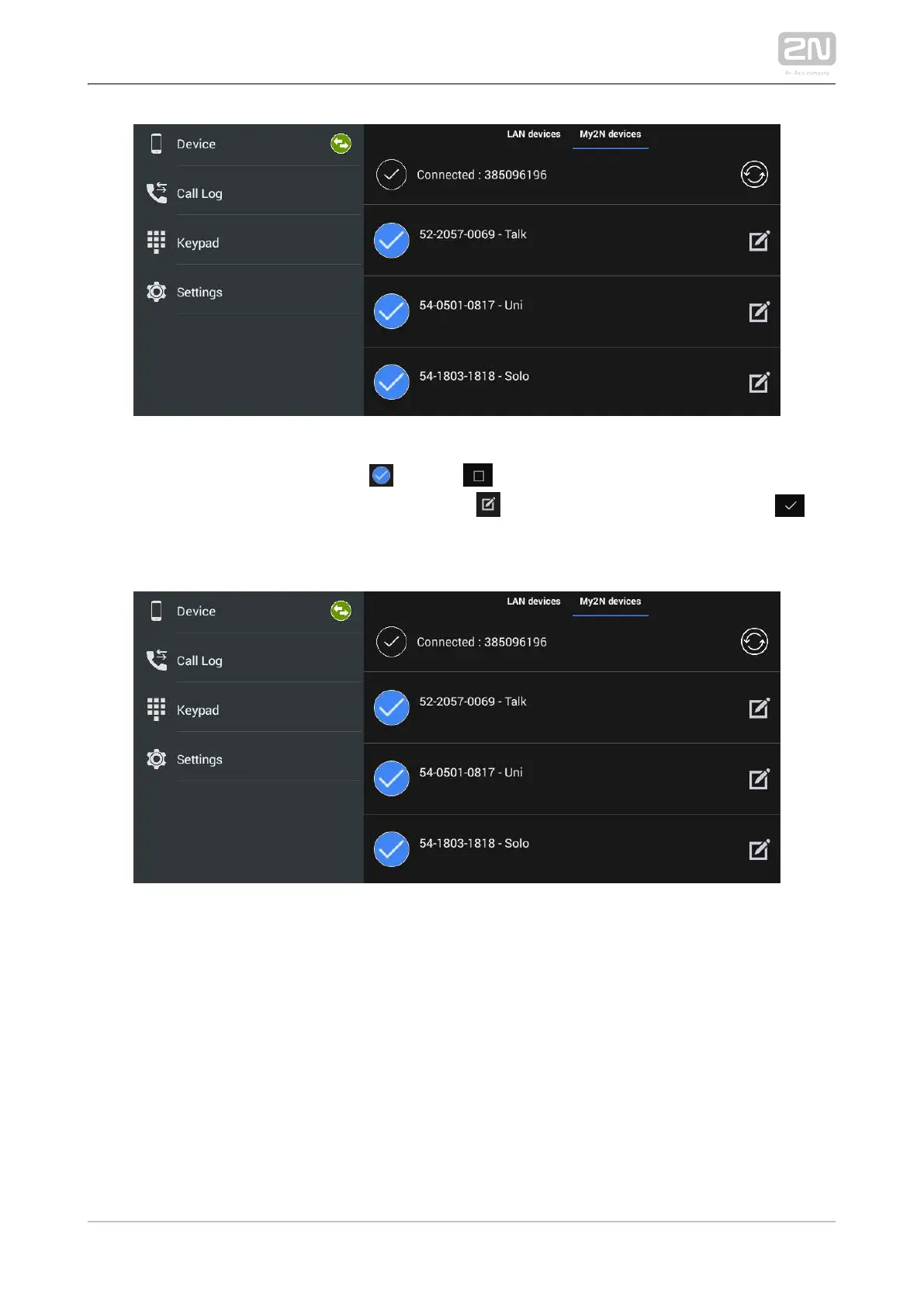
The selected device is marked . Click to the right in the application upper
toolbar to select all the devices listed. Click to edit the device name. Click to
save the selected Proxy devices. The application moves to the Device menu to display
the selected devices.
My2N Devices
The My2N devices are devices from . Like the SIP Proxy devices, the 2N Mobile Video
®
My2N devices cannot be added to the device list until the application is connected to
the cloud at .www.my2n.com



 To Next Page