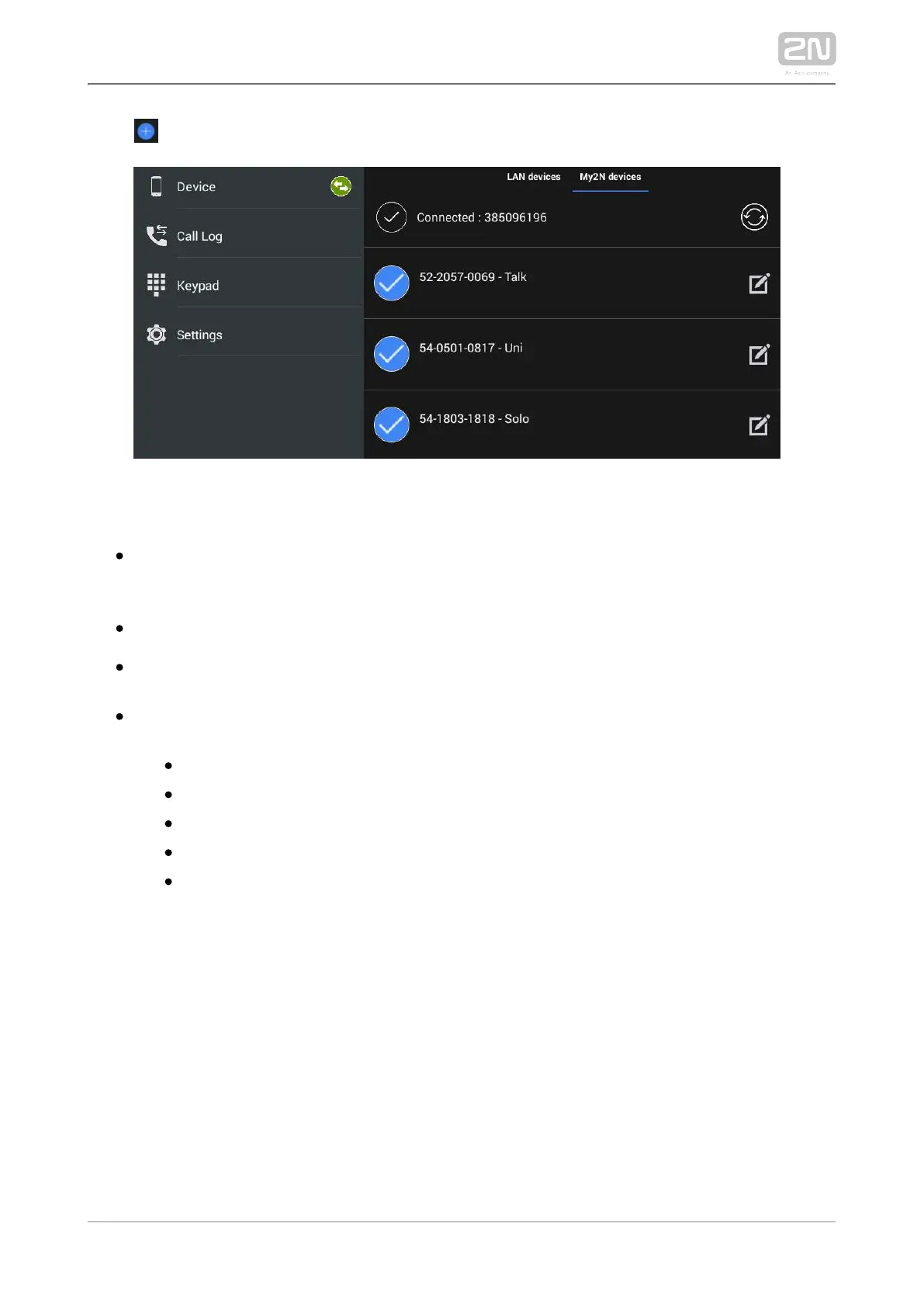
Click to add a SIP Proxy device.
Complete the following parameters:
– set the device name for identification in . Used for Device name 2N IP Mobile
®
application only.
– set the line to be dialled by for an outgoing call.SIP line 2N IP Mobile
®
– set the DTMF to be sent when lock 1-4 is pressed. Used primarily for DTMF1–4
DTMF sending to the and unlocking.2N IP intercoms
– enter the parameters for external Axis camera External camera settings
connection:
Enabled/Disabled
IP/domain – set the Axis camera IP address/domain name.
Username – set the Axis camera video stream login username.
Password – set the Axis camera video stream login password.
Primary – select the primary display: external camera or default video
stream.



 To Next Page